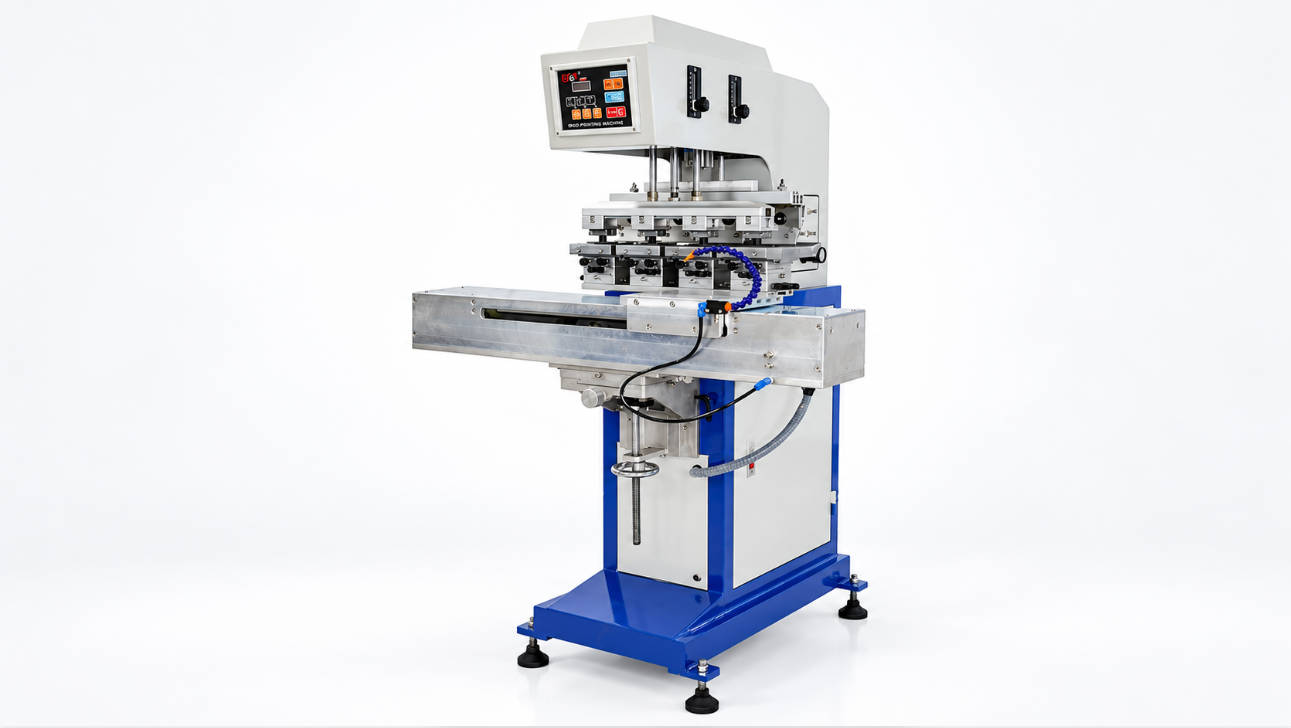
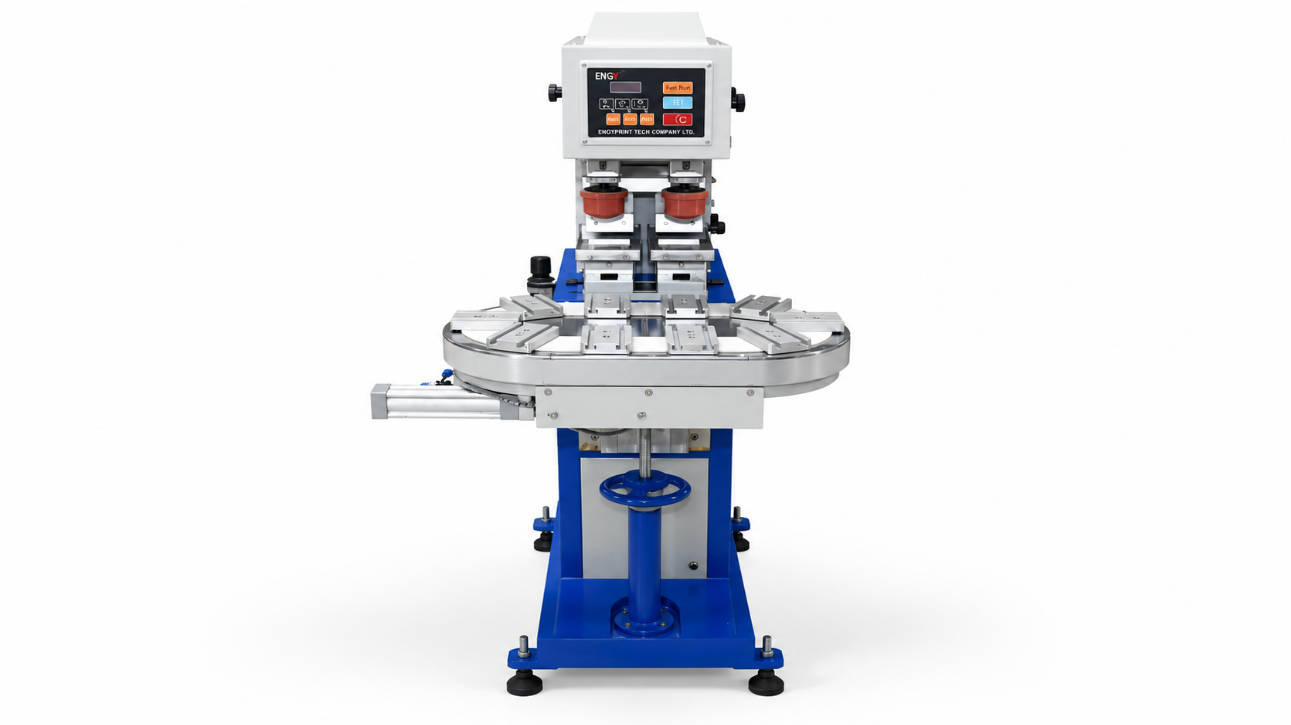
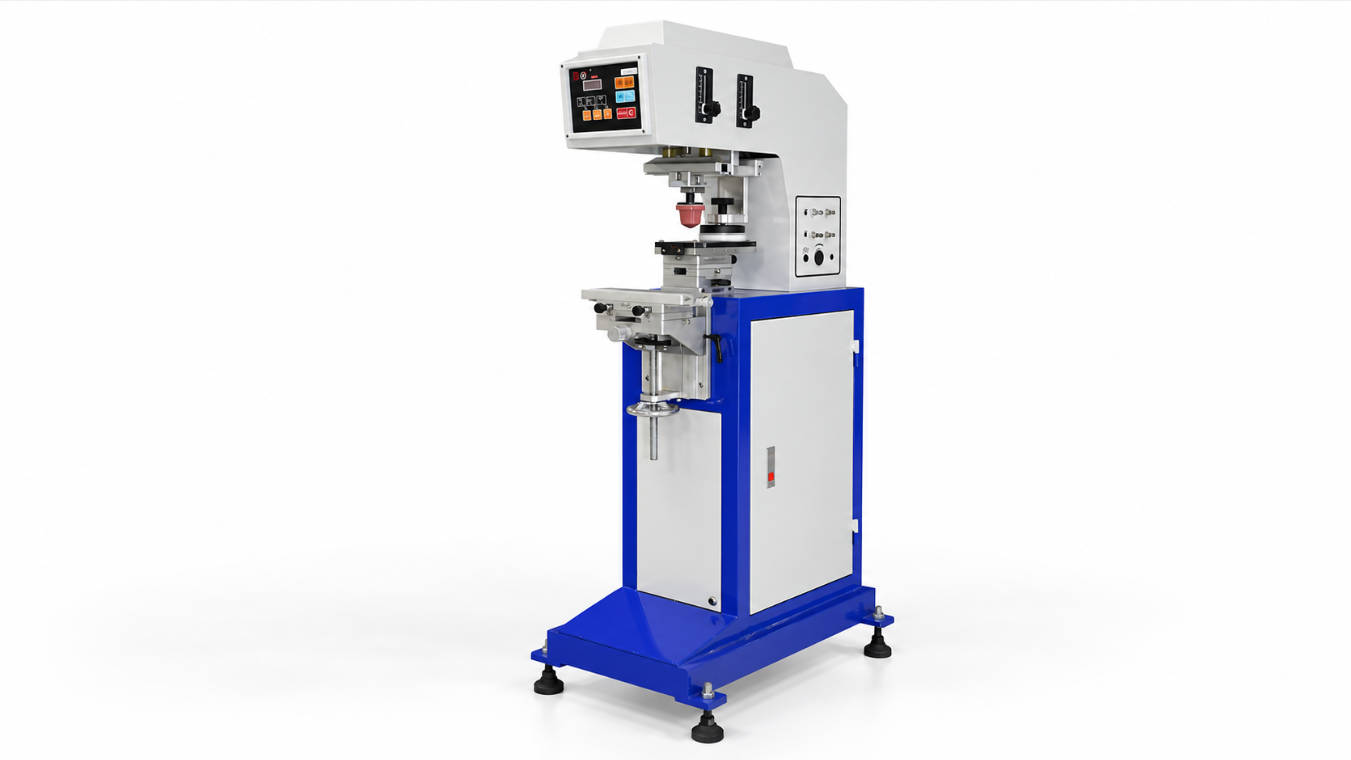
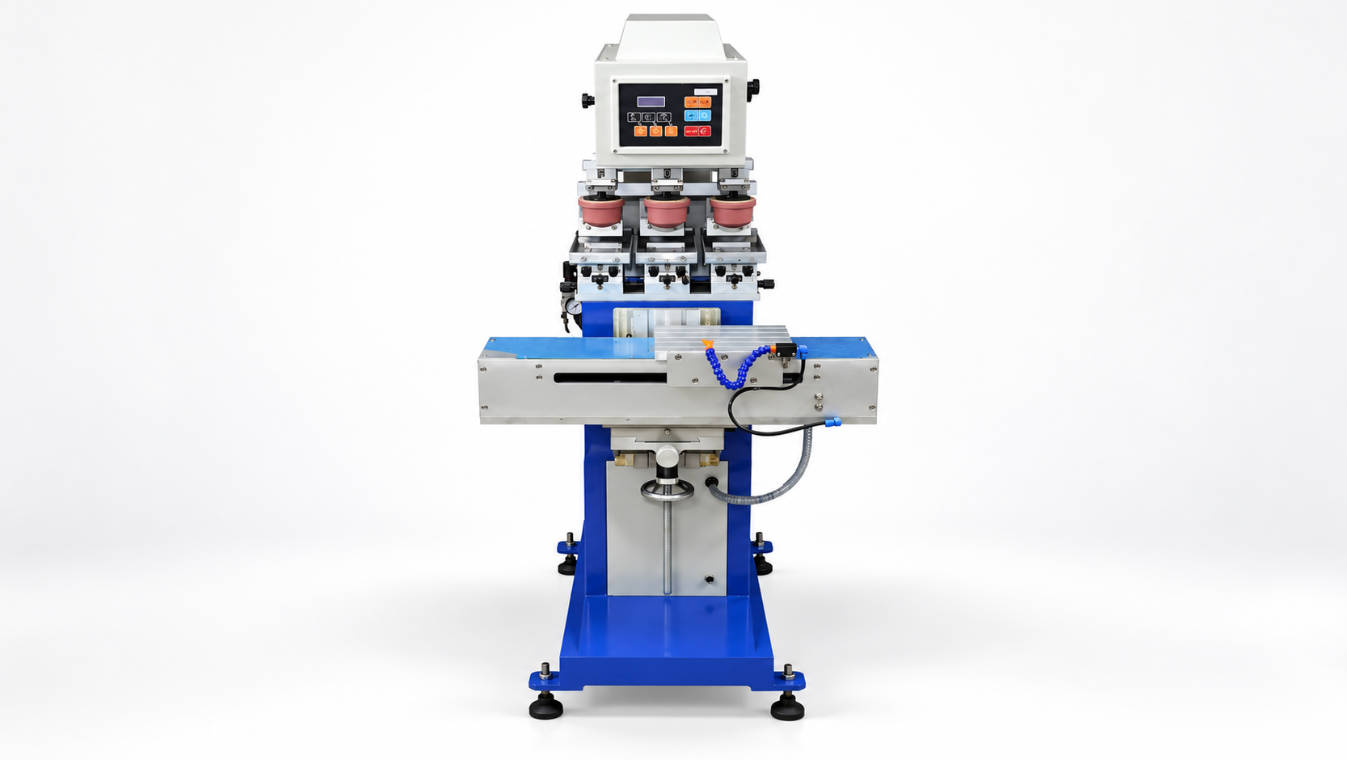
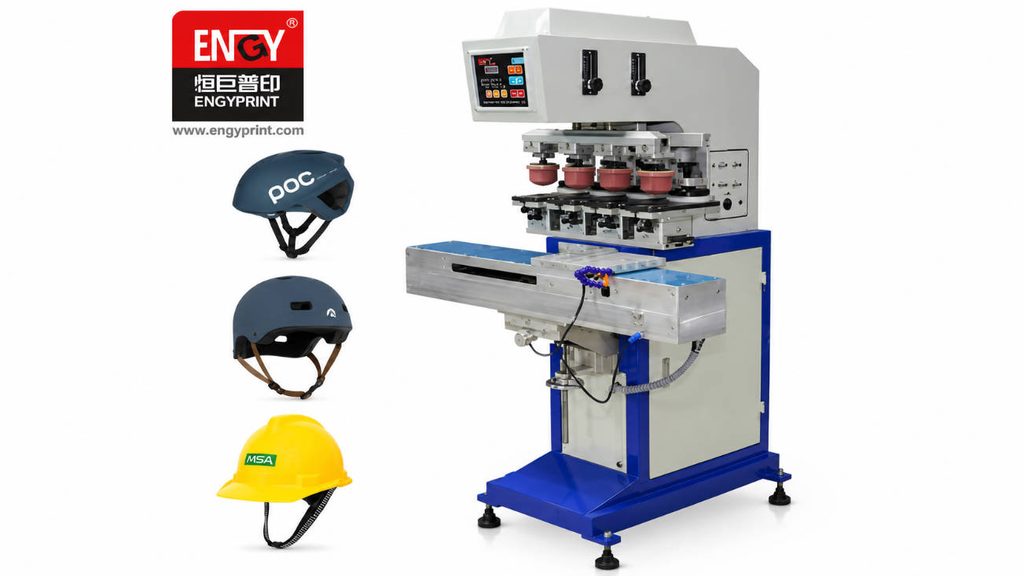
A pad printing machine transfers a 2D image onto a 3D or irregular surface using four core components working in sequence: the silicone printing pad, the ink cup (or open ink tray), the printing plate (cliché), and the fixture that holds the part. Choosing the right pad printing machine accessories is what separates a crisp, repeatable logo from a smeared, inconsistent one — and it is the single biggest lever on ink consumption and downtime in a production run. This guide walks through what each component does, the specifications that actually matter, and how to select accessories that fit your application, whether you run a single-color bench printer or a multi-color automated line.
What Are Pad Printing Machine Accessories?
Pad printing is an indirect offset process. The image is first etched onto a flat printing plate. Ink is deposited into the etched image area, a silicone pad picks up the ink film, and the pad presses against the product to release it. Four accessory groups keep that cycle running:
- Printing pads (silicone pads): the transfer medium that lifts ink from the plate and stamps it onto the part.
- Ink cups / ink trays: the reservoir that holds and meters ink over the plate; closed cups also carry a ring that wipes the plate clean after each cycle.
- Printing plates (clichés): the image carrier; the etched cavity holds the ink that the pad picks up.
- Fixtures and tooling: the jigs that position and hold the product so every print lands in the same place.
None of these are “optional.” A mismatch in any one of them shows up immediately in the finished print.
Why Accessory Selection Matters for Print Quality and Cost
Buyers often focus on the machine and treat accessories as commodities. In practice, accessories decide three things that affect the bottom line:
- Print definition. Pad profile and hardness control how well fine detail and edges reproduce.
- Ink efficiency. Cup diameter, ring condition, and plate depth control how much ink is used and how much is wasted.
- Run stability. Worn pads, chipped plates, or a damaged ring force stops for cleaning and replacement, cutting effective throughput.
A well-matched accessory set typically extends the interval between maintenance stops and reduces rejected parts far more than a small saving on the consumable price itself. For distributors and contract printers quoting jobs, that stability is what protects margin.
Printing Pads (Silicone Pads)
The pad is the only part that touches both the plate and the product, so its geometry and material dominate transfer quality.
Pad Shapes, Sizes, and Profiles
Pads come in standardized shapes — round, rectangular, and “rocker” (cambered) profiles — sized to the image and the product curvature. A larger pad with a gentler dome handles curved or recessed surfaces; a smaller, flatter pad gives sharper detail on flat parts. The pad face must be larger than the printed image to avoid edge distortion.
Pad Hardness and Silicone Grade
Silicone pads are commonly supplied in Shore A hardness from about 5 to 20. Softer pads (roughly 5–10 Shore A) conform to uneven or textured surfaces; firmer pads (15–20 Shore A) hold fine detail on flat, rigid parts. The wrong hardness is the most common cause of incomplete ink pickup or image ghosting, and it is usually fixed by changing the pad rather than the machine. ENGY supplies silicone printing pads and pad molds sized to common image areas — see the range of printing pads and pad molds for standard and custom profiles.
How to Choose the Right Pad
Match the pad to the part geometry first, then to the image. For deep recesses, choose a softer, larger-domed pad. For dense text or logos on flat surfaces, choose a firmer pad with a flat contact face. Keep a small inventory of two or three hardness grades so operators can swap quickly when a job changes.
Ink Cups and the Closed-Cup System
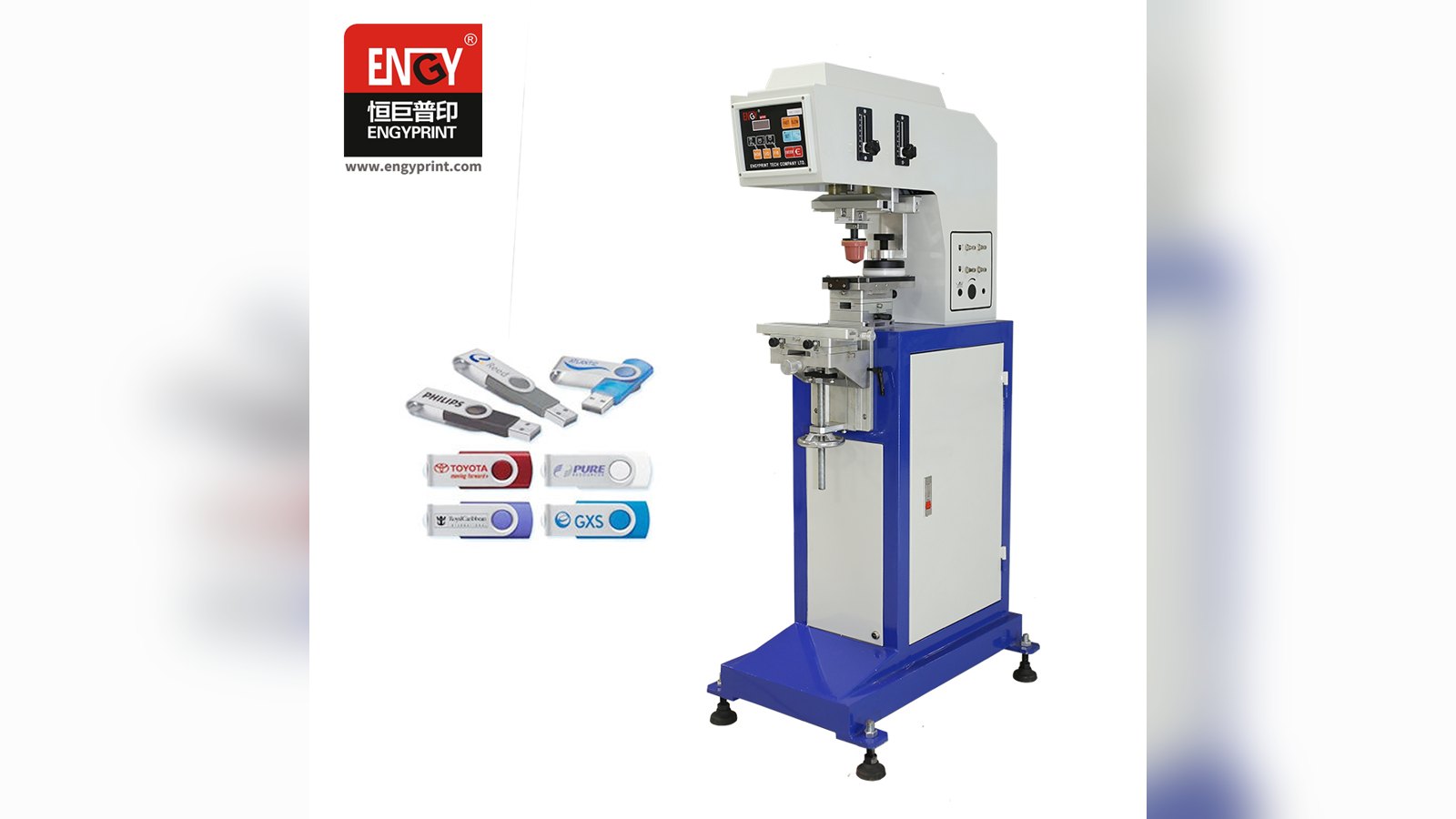
The ink cup is the heart of a closed-cup pad printer. It sits over the plate, floods ink into the image, and a hardened ring at its lip wipes the plate clean on the return stroke — sealing solvent in and contamination out.
Ink Cup Diameter and Cup Body
Closed ink cups are sized to the image and plate. Common diameters include 60 mm, 90 mm, 100 mm, 130 mm, and 150 mm. A cup must be large enough to cover the etched image plus a margin, but not so large that it wastes ink across blank plate. We cover the trade-off in detail in our 90 mm vs 100 mm ink cup comparison for pad printing.
Ceramic vs. Carbide Rings
The ring is the wear part inside the cup lip. Ceramic rings resist abrasion and hold an edge longer with most inks; tungsten carbide rings suit high-volume or more abrasive pigment loads. Ring condition, not cup body, is what controls print edge sharpness in a closed-cup system — a chipped ring scratches the plate and ruins the image. Our guide to ceramic vs carbide rings for closed ink cup pad printers explains when each is the better choice, and the ceramic ring for pad printing ink cups is available as a replaceable part.
Closed Cup vs. Open Tray
Closed cups dominate modern lines because they cut solvent evaporation and keep the plate cleaner. Open ink trays are simpler and cheaper for short runs or very large images, but need more frequent ink topping and cleaning. If you run an open-tray machine, a maintenance checklist for open tray pad printers helps keep quality stable.
Printing Plates (Clichés)
The plate carries the image. Its size, thickness, and etching depth set how much ink is laid down and how long the image survives.
Thin vs. Thick Plates
Plate thickness affects machine compatibility and image life. Thin plates are lighter and common on standard holders; thick plates resist bowing on longer print runs and hold registration better. ENGY lists thin steel plates and thick steel plates separately because holder and machine type dictate which your printer accepts. Ceramic plates are also used where long life and chemical resistance matter.
Plate Size and Material
Standard plate sizes such as 100×100 mm and 100×150 mm cover most jobs, with custom plates for larger or multi-image layouts. Etching depth should match the ink and image — too shallow starves the pad, too deep floods it. Our pad printing plate size guide (100×100 mm, 100×150 mm and custom plates) helps you size the plate to the cup and image.
Fixtures and Tooling
Fixtures hold the product steady and in the correct position under the pad. They are where application engineering lives.
Designing Fixtures for Irregular Parts
For curved, multi-face, or fragile items, the fixture decides whether printing is even possible. A good fixture locates the part repeatably, supports it against pad pressure, and positions the print area square to the pad. Complex parts — golf balls, bottles, caps — often need purpose-built jigs; our golf ball pad printing fixture, ink cup and conveyor selection guide shows how fixture, cup, and conveyor are specified together for one part family. For parts outside standard tooling, a custom pad printing machine built around the fixture is usually the right answer.
Pad Printing Accessory Selection at a Glance
| Accessory | Role in the print cycle | Main selection factor | Typical specification / note |
|---|---|---|---|
| Silicone pad | Picks up ink from plate, stamps product | Part geometry + image detail | Shore A ~5–20; dome vs flat face |
| Ink cup | Floods and meters ink, seals plate | Image size + machine type | 60–150 mm diameter (closed cup) |
| Cup ring | Wipes plate clean each cycle | Ink abrasiveness + volume | Ceramic or tungsten carbide |
| Printing plate | Carries etched image | Image size + holder | 100×100 / 100×150 mm, thin or thick |
| Fixture | Locates and supports product | Part shape | Custom or standard jig |
How to Choose Accessories for Your Application
Start from the part, not the catalog. Identify the print area, surface curvature, and production volume, then work backward: image size sets the plate and cup; surface sets the pad; part shape sets the fixture. For high-volume lines, prioritize ring and pad life; for short, varied runs, prioritize quick-change tooling.
Regional buyers should also plan logistics. For operations sourcing pad printing consumables in Australia or evaluating a pad printing machine accessories supplier in Europe, lead time and local technical support often matter as much as unit price, because a stopped line costs more than a small freight saving. ENGY ships consumables and spares to distributors and factories across Europe and Australia and supports custom machine builds for regional application needs.
Common Mistakes When Sourcing Pad Printing Accessories
- Buying on price alone. A cheaper pad or ring that fails early costs more in downtime than the saving.
- Mismatching cup and plate size. An undersized cup leaves part of the image unflooded.
- Ignoring pad hardness. The most frequent cause of ghosting is the wrong silicone grade, not the machine.
- Running a chipped ring. A damaged ring scratches the plate and should be replaced immediately.
- Generic fixtures for complex parts. Poor location causes misregistration that no machine setting fixes.
- No spare inventory. Keeping pads, rings, and a spare plate on hand avoids unplanned stops.
Choosing a Reliable Pad Printing Machine and Accessories Supplier
A supplier’s value shows up after the sale: consistent consumable quality, available spares, and application engineering. As a pad printing machine manufacturer offering OEM and custom builds, ENGY focuses on matching the full accessory set — pads, ink cups, plates, and fixtures — to the part and the production environment, rather than selling parts in isolation. For buyers comparing options, our company background and manufacturing capabilities explain what to look for in a build partner, and our service page outlines support for installation, spares, and training.
When evaluating any supplier, ask for sample prints on your actual part, confirm the consumable spec range they stock, and check lead times to your region. For Europe and Australia specifically, confirm whether the supplier holds local stock or ships direct, and whether they provide documentation and spare rings locally.
Frequently Asked Questions
What accessories do I need for a pad printing machine?
At minimum you need silicone printing pads, an ink cup or ink tray with its ring (for closed-cup machines), a printing plate (cliché), and a fixture to hold the product. These four groups cover the full transfer cycle; everything else is optional tooling or spares.
How do I choose the right silicone pad hardness for pad printing?
Match hardness to the surface: softer pads (about 5–10 Shore A) suit curved or textured parts, while firmer pads (15–20 Shore A) give sharper detail on flat surfaces. Pad size and dome shape also matter — the pad face should be larger than the image.
What is the difference between 90 mm and 100 mm ink cups for pad printing?
Both are common closed-cup diameters; the choice depends on image size and plate layout. A 90 mm cup suits smaller images and tighter plate spacing, while a 100 mm cup covers larger images with more ink capacity. See the 90 mm vs 100 mm ink cup comparison for pad printing for a full breakdown.
Can I use open-tray and closed ink cup accessories on the same machine?
Usually not on the same head — open-tray and closed-cup printers use different plate holders, ink delivery, and fixtures. Accessories are machine-type specific, so confirm your printer type before ordering pads, cups, or plates.
Where can I buy pad printing consumables in Australia or Europe?
You can source from local distributors or directly from manufacturers that ship internationally. For pad printing consumables in Australia and pad printing accessories across Europe, confirm regional stock, lead time, and whether the supplier provides local technical support and spare rings.
How often should pad printing pads and ink cup rings be replaced?
It depends on volume and ink, but pads are typically changed when transfer quality drops (ghosting, incomplete pickup) and rings when the plate shows scratches or edges soften. Keeping spares on hand avoids unplanned stops; a maintenance log helps predict replacement intervals.
Conclusion
The four core pad printing machine accessories — pads, ink cups, plates, and fixtures — decide print quality, ink cost, and production stability more than most buyers expect. Specifying them from the part outward, and sourcing from a supplier that supports the full set, is the practical path to consistent output. If you are specifying a line or comparing suppliers, contact our team to discuss pads, cups, plates, fixtures, and custom machine options for your application and region.