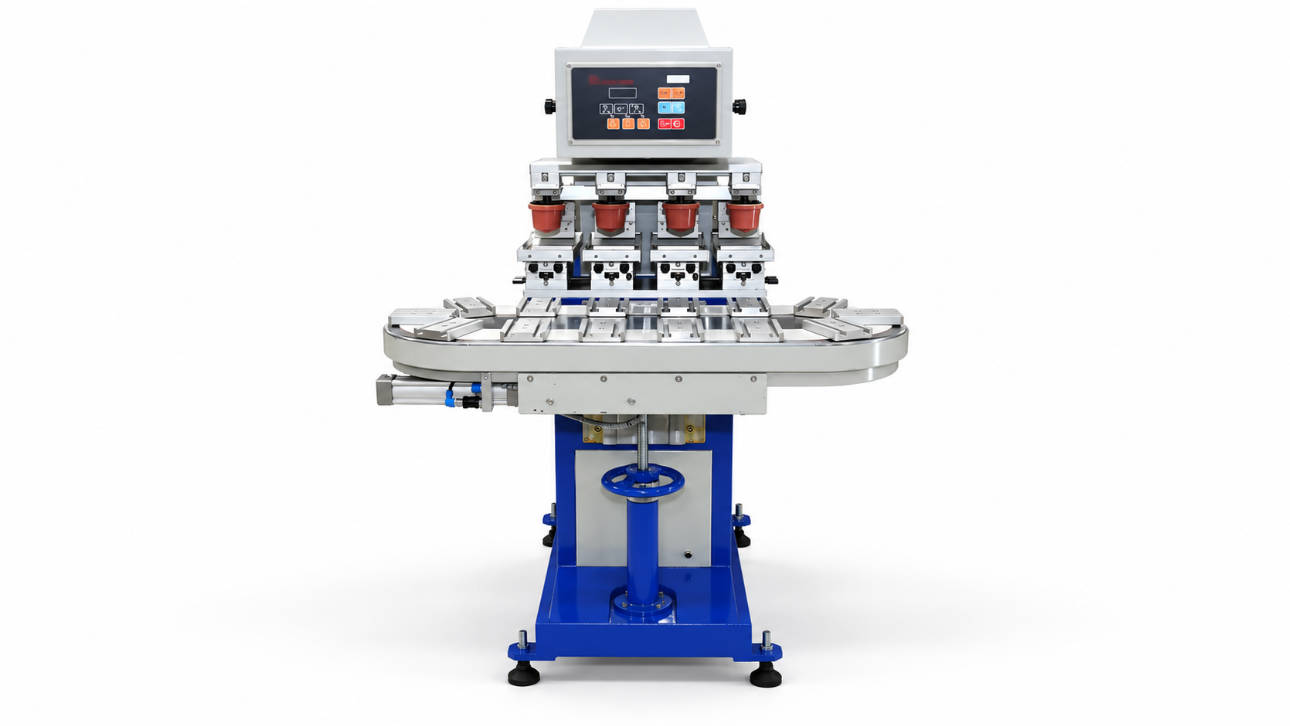
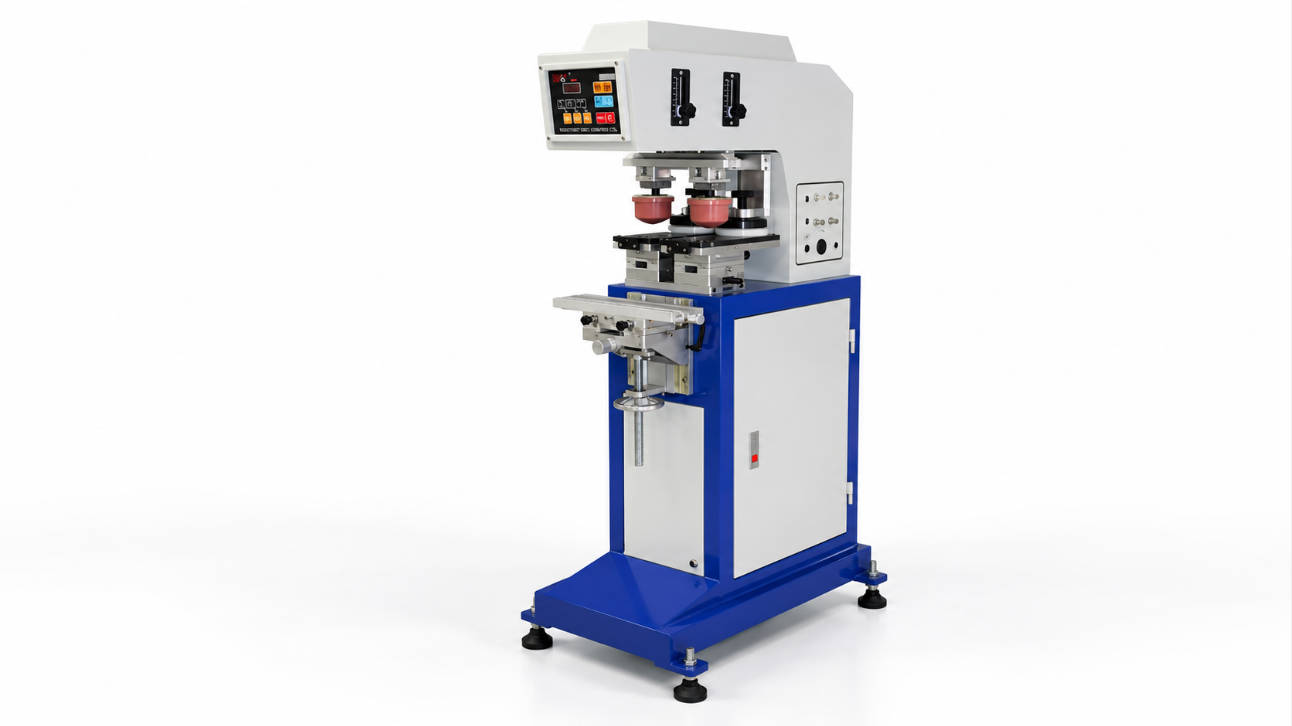
A leaking ink cup is one of the most frustrating problems in pad printing. Ink may seep from beneath the cup, leave streaks across the printing plate, or accumulate around the cup holder. Besides wasting ink, these problems can affect print quality, increase cleaning time, and interrupt production.
In a closed ink cup pad printing system, leakage usually indicates a problem with the contact between the doctor ring and printing plate, the cup assembly, or the operating conditions.
The most common causes include damaged ceramic rings, dried ink on the sealing edge, scratched printing plates, incorrect cup alignment, improper contact pressure, defective seals, and unsuitable ink conditions.
Before replacing any components, however, it is important to identify where the ink is escaping. Different leakage patterns often point to different causes.
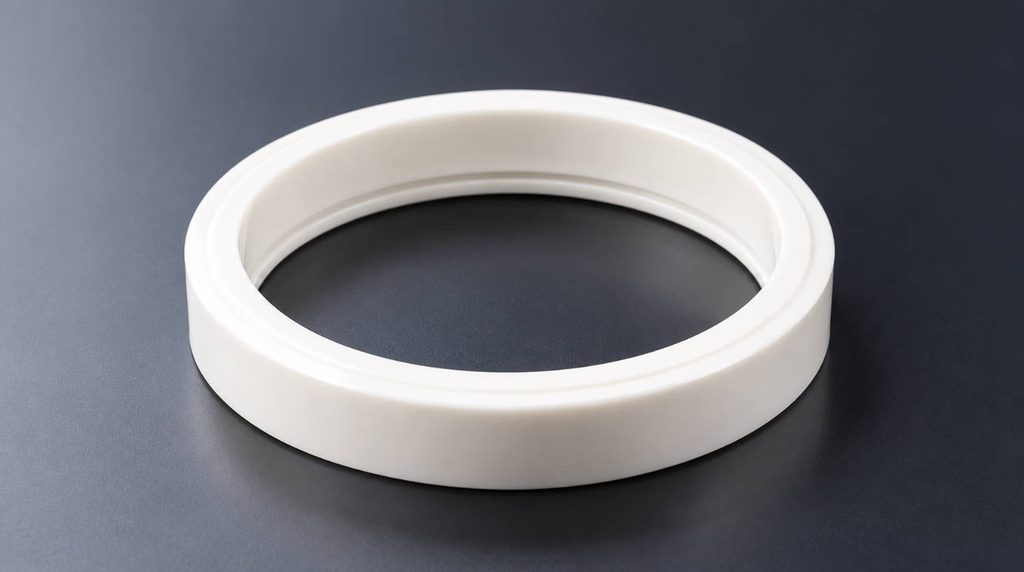
How to Identify Where Your Pad Printing Ink Cup Is Leaking
A closed ink cup uses a ceramic or carbide doctor ring to remove excess ink from the cliché plate while maintaining contact around the ink reservoir. When this contact is interrupted, ink can escape beneath the ring or remain on the plate surface.
Not every ink mark indicates the same failure.
| Leakage Symptom | Possible Cause | What to Check First |
|---|---|---|
| Ink leaking from one side of the cup | Chipped ring or uneven contact | Doctor ring edge |
| Thin streaks of ink on the plate | Damaged ring, dirt, or plate scratches | Ring and cliché surface |
| Uniform ink film remaining on the plate | Ring wear or insufficient contact pressure | Ring condition and pressure |
| Ink leaking near the cup lid | Damaged gasket or incorrect assembly | Lid seal and cup body |
| Leakage only during fast printing | Vibration, movement, or internal pressure | Cup holder and operating speed |
| Leakage immediately after replacing a ring | Incorrect dimensions or installation | Replacement ring specifications |
This initial inspection helps narrow down the problem without unnecessarily replacing the entire ink cup assembly.
Before making adjustments, stop the machine, isolate its power and air supply as instructed by the manufacturer, and handle ink and solvents according to their safety data sheets.
1. Damaged or Worn Ceramic Ink Cup Ring
The doctor ring is one of the first components to inspect when a pad printing ink cup starts leaking.
In a sealed ink cup system, the ring has two important functions: scraping excess ink from the printing plate and maintaining the contact needed to contain ink inside the cup.
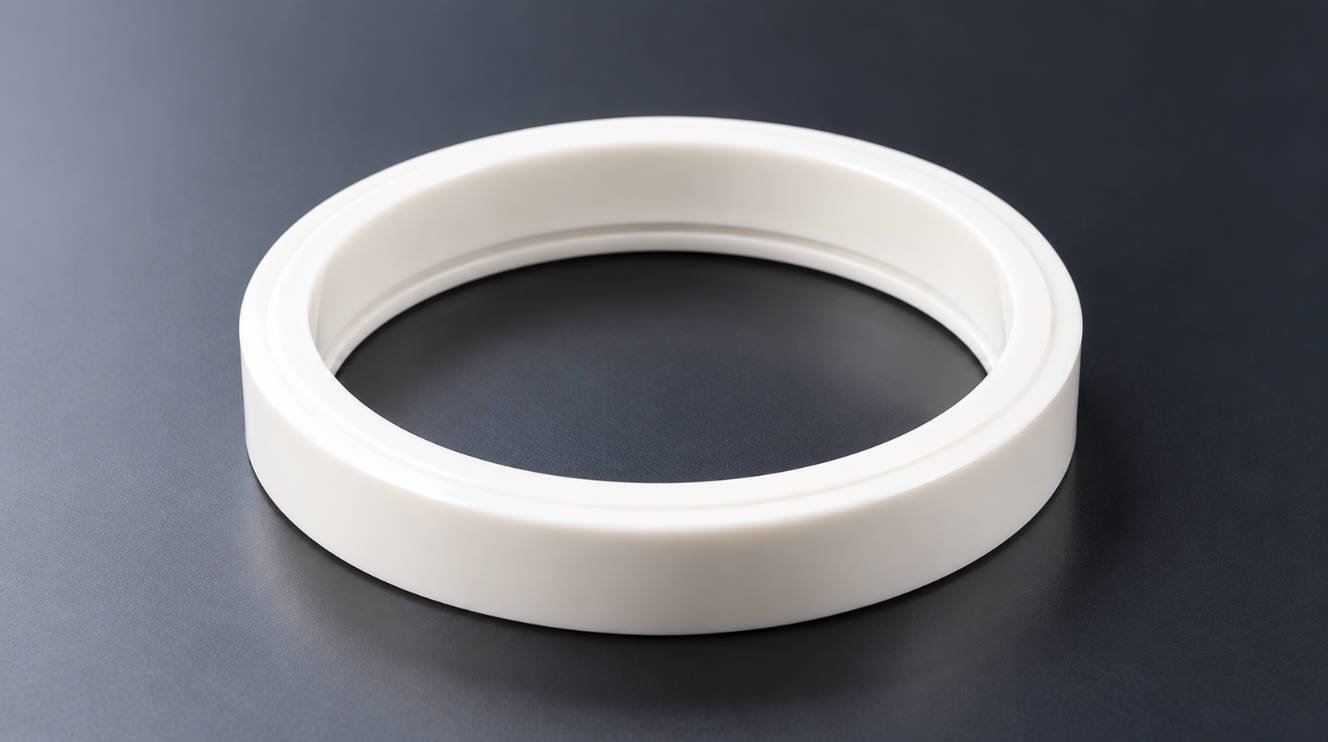
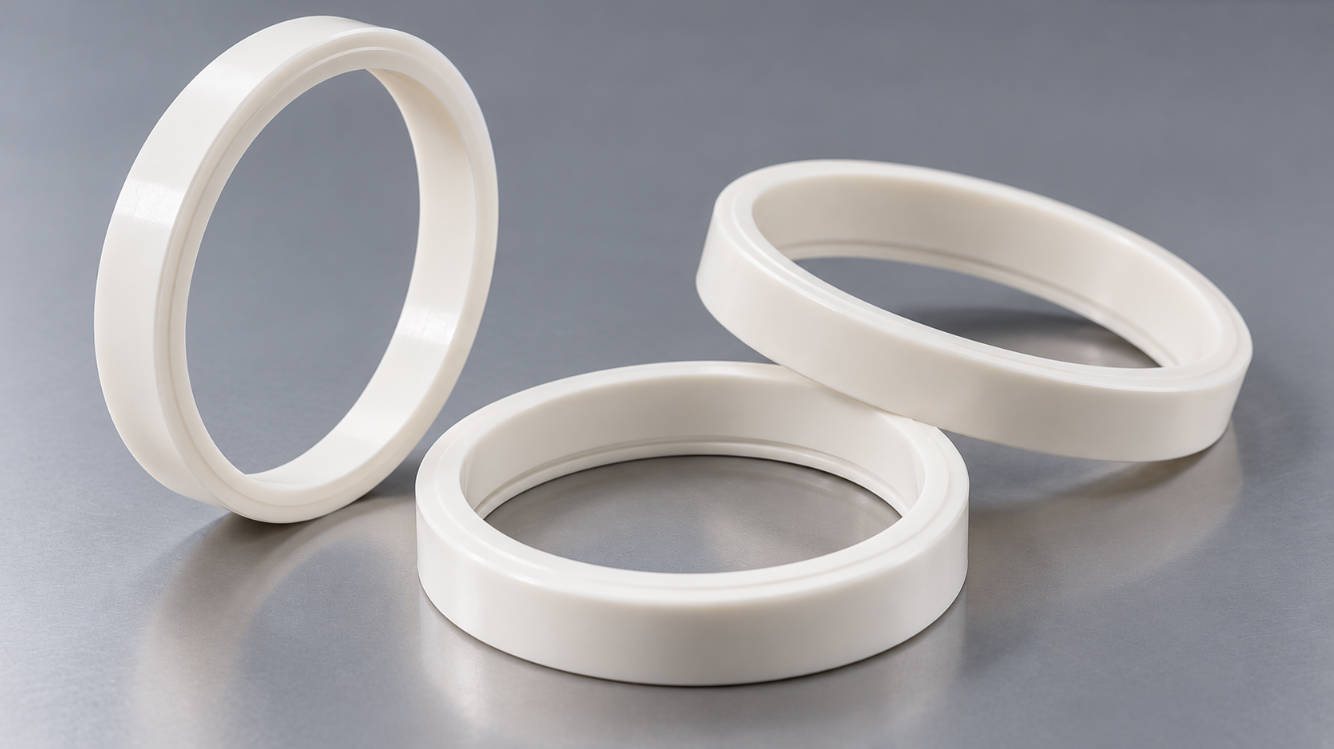
Ceramic rings are widely used because they offer good wear resistance and consistent doctoring performance. However, they are not immune to damage.
Over time, repeated movement across the plate, accidental impacts, or abrasive ink pigments can damage the ring’s contact edge.
Even a small chip can interrupt the contact between the ring and the plate, allowing ink to pass underneath.
Signs of a Damaged Doctor Ring
Common symptoms include:
- Ink leaking repeatedly from the same area of the cup.
- Narrow ink streaks appearing after the cup passes across the plate.
- Uneven scraping despite correct machine settings.
- Visible chips, cracks, or irregular wear along the ring edge.
A ring may also appear undamaged at first glance while its contact edge has become uneven through prolonged use.
How to fix it
Remove and clean the ring according to the machine manufacturer’s instructions. Inspect the entire contact edge under good lighting, preferably with magnification.
If the edge is chipped, cracked, or excessively worn, replace the ring with one matching the original dimensions and blade geometry.
Some ring designs may be professionally reconditioned, but grinding or polishing a precision doctor ring without suitable equipment can alter its geometry and worsen leakage.
ENGYPRINT suppliesceramic rings for pad printing ink cups, including zirconia rings with different dimensions and single- or double-edge configurations.
When replacing a ring, verify the inner diameter, outer diameter, height, and blade profile rather than ordering solely by the machine model.
2. Dried Ink or Debris on the Ring Edge
Sometimes the ring is not damaged at all. A small amount of dried ink or contamination may be enough to interfere with the sealing contact.
During production, ink residue can gradually accumulate around the doctor ring. This is more likely when solvent evaporation increases ink viscosity or when cleaning is delayed between production runs.
Dried ink, dust, and other particles trapped between the ring and printing plate can create a small gap.
As the cup travels across the plate, excess ink passes through that gap, producing leakage or visible streaks.
How to Fix Ink Buildup
Start by removing the ink cup and cleaning the doctor ring and printing plate.
Use a cleaning agent compatible with the ink system, ring, cup material, and any rubber seals. A lint-free cloth or other manufacturer-approved cleaning material is generally preferable to abrasive tools.
Pay particular attention to the contact edge and the area where the ring is seated inside the cup.
Avoid scraping ceramic edges with metal tools, as this can cause chipping.
After cleaning, inspect the ring again before reassembly.
If the leakage disappears after cleaning but returns during production, investigate the ink condition, cleaning interval, and operating environment.
A useful diagnostic clue: If the problem appears gradually during a production shift rather than immediately after startup, dried ink buildup may be contributing to the loss of sealing performance.
3. Scratched, Worn, or Uneven Printing Plate
A damaged doctor ring is not the only component capable of breaking the seal.
The printing plate, also called a cliché, provides the surface against which the ink cup ring operates.
For proper doctoring, the ring needs consistent contact with the plate throughout the working stroke.
A scratch crossing the ring’s contact path can create a channel through which ink escapes.
Similarly, an uneven or improperly supported plate may prevent uniform contact, even when the ring itself is in good condition.
Common Plate-Related Problems
These include deep surface scratches, localized wear, incorrect plate installation, and insufficient support beneath thin steel plates.
On thin plate systems, problems with the supporting base or plate attachment can also affect flatness.
How to fix it
Clean the plate and inspect the working area under angled lighting. Look for scratches running across the ring’s travel path, raised burrs, and uneven contact marks.
Check that the plate is securely mounted and properly supported.
If the surface is damaged, determine whether professional resurfacing is permitted by the plate manufacturer. Do not polish an engraved cliché indiscriminately, as material removal may affect engraving depth and image quality.
A severely scratched or worn plate may need replacement.
For applications requiring a rigid, precision-machined printing surface, ENGYPRINT offersthick steel cliché plates for pad printing machines.
Remember that installing a new ceramic ring will not solve leakage caused by a damaged plate surface.
4. Incorrect Ink Cup Alignment or Position
Ink cup alignment is particularly important in closed ink cup pad printing machines.
The doctor ring must remain properly positioned on the printing plate throughout the operating stroke.
If the cup extends beyond the usable plate surface, the sealing contact can be interrupted, allowing ink to escape.
A misaligned cup holder may also cause uneven movement or contact between the ring and plate.
This problem is especially worth investigating when leakage occurs immediately after installing a new printing plate, changing the artwork, or adjusting the machine.
How to Check Ink Cup Alignment
With the machine safely stopped, verify that the ink cup is correctly mounted and positioned over the plate.
Check the full travel path, not just the cup’s starting position. The ring must remain supported by the plate throughout its intended movement.
Inspect the cup holder for looseness, wear, or incorrect adjustment.
Also confirm that the plate dimensions provide sufficient clearance for the complete ring travel.
How to fix it
Correct the cup and plate positioning according to the equipment manufacturer’s specifications.
If the holder is worn or cannot maintain proper alignment during movement, repair or replace the affected components.
After adjustment, run the machine slowly under controlled conditions and inspect for leakage before resuming normal production.
Alignment should be checked before increasing pressure or replacing consumables, because a new ring cannot compensate for incorrect positioning.
5. Incorrect Contact Pressure Between the Ink Cup and Plate
The contact force applied to the ink cup affects both doctoring and sealing performance.
Different pad printing machines use magnetic attraction, mechanical adjustment, pneumatic force, or combinations of these mechanisms to maintain contact between the cup and printing plate.
If contact pressure is insufficient, the ring may not maintain a reliable seal.
This can allow ink to escape beneath the cup and leave a residual ink film on the plate.
Excessive contact pressure creates a different problem. It increases friction and may accelerate wear of the doctor ring and cliché surface.
How to Fix Incorrect Pressure
First, identify how the machine controls ink cup contact force.
For magnetic ink cup systems, check the condition and positioning of the magnetic components. Reduced holding force or an unsuitable cup assembly may affect contact.
For mechanically or pneumatically controlled systems, inspect the relevant settings, mounting components, and adjustment mechanisms.
Follow the manufacturer’s recommended setup procedure rather than increasing pressure until the leakage stops.
If the machine was operating normally before the problem appeared, compare current settings with the previously successful configuration.
Also inspect the cup holder and movement mechanism for wear or vibration.
Important: Increasing pressure is not a universal solution. It can temporarily reduce certain leakage symptoms while accelerating ring and printing plate wear.
6. Damaged Ink Cup Seals or Incorrect Ring Installation
Not all ink cup leakage occurs between the doctor ring and printing plate.
Ink may also escape from the cup body, lid, or connections between individual components.
A typical closed ink cup assembly includes the cup body, doctor ring, and one or more sealing elements, depending on its design.
Rubber seals or O-rings may lose elasticity, swell, crack, or become damaged after repeated exposure to incompatible cleaning chemicals or printing inks.
An incorrectly installed gasket can also prevent proper sealing.
Check the Location of the Leak
If ink appears around the upper part of the cup rather than beneath its doctor ring, inspect the lid and internal seals before replacing the ceramic ring.
Look for:
- Cracked, flattened, or swollen rubber seals.
- Incorrectly seated O-rings or gaskets.
- Damage to the cup body or sealing grooves.
- Loose covers or incorrectly assembled components.
For a leak beginning immediately after ring replacement, check the replacement part’s dimensions and installation.
A ring that is too short, too tall, or incompatible with the retaining arrangement may fail to achieve the intended contact geometry.
How to fix it
Replace damaged seals with compatible components and reinstall the assembly according to the machine manufacturer’s instructions.
If the problem involves an incorrect replacement ring, confirm the original specifications before ordering another part.
ENGYPRINT suppliessealed ink cup assemblies for pad printing machines with ceramic or carbide rings and different cup configurations.
When ordering replacement components, providing the existing cup’s dimensions, photographs, and machine information can help reduce compatibility errors.
7. Incorrect Ink Conditions or Excessive Pressure Inside the Cup
If the doctor ring, printing plate, and alignment appear satisfactory, the next step is to examine the operating conditions.
Pad printing inks change during production as solvents evaporate and temperatures fluctuate.
When ink becomes excessively thick, it may accumulate around the ring edge and interfere with doctoring.
Conversely, ink that is too thin may escape more readily through an existing sealing defect, making a minor mechanical problem more noticeable.
It is important to distinguish ink condition from the underlying mechanical cause.
Can High-Speed Printing Cause Ink Cup Leakage?
Yes, under certain conditions.
Higher operating speeds can increase vibration, dynamic movement, and temperature. Some closed ink cup designs may also experience internal pressure buildup during operation.
These conditions can make an existing sealing problem worse or produce leakage that does not appear during low-speed testing.
If the system uses a manufacturer-specified pressure-relief or venting mechanism, confirm that it is functioning correctly. Never loosen a cup lid or vent while the system is moving or pressurized.
How to Fix Ink-Related Leakage
Check ink viscosity and preparation against the ink manufacturer’s technical data.
Use the recommended thinner and mixing ratio instead of adding solvent by estimation.
Inspect the ink level and confirm it is within the equipment manufacturer’s operating range.
If leakage occurs only at higher printing speeds, compare low-speed and normal-speed operation while examining the cup holder, vibration, alignment, and sealing components.
Avoid treating every leak by adding thinner. If the ring is chipped or the printing plate is scratched, changing viscosity will not repair the damaged sealing surface.
A Practical Troubleshooting Sequence for Leaking Ink Cups
When several factors could be responsible, a structured inspection is more efficient than changing multiple settings at once.
Use the following sequence to isolate the cause:
| Step | Inspection | Recommended Action |
|---|---|---|
| 1 | Identify the leakage location | Determine whether ink escapes from the lid, beneath the ring, or remains on the plate |
| 2 | Check the doctor ring | Clean it and inspect for chips, wear, or uneven edges |
| 3 | Examine the printing plate | Look for scratches, contamination, or mounting problems |
| 4 | Verify assembly and alignment | Check ring compatibility, cup position, holder condition, and contact pressure |
| 5 | Review operating conditions | Check ink viscosity, production speed, vibration, and any specified venting system |
Make one corrective change at a time whenever practical, then perform a controlled test.
This approach makes it easier to confirm which adjustment actually resolved the leakage.
If a known-good ring and properly inspected plate continue to leak, further investigation of the machine’s mounting and contact system may be necessary.
How to Prevent Pad Printing Ink Cup Leakage
Preventive maintenance is usually less expensive than investigating unexpected leakage during production.
A simple inspection routine can help identify developing problems before they cause significant downtime.
Before production, inspect the ring’s visible contact edge, verify cup positioning, and confirm that the printing plate is clean and securely mounted.
During production, monitor ink condition, scraping performance, and any changes in vibration or leakage patterns.
After production, clean the ink cup and ring using approved methods. Avoid impacts or contact with hard surfaces that could chip precision ceramic edges.
It is also useful to maintain a record of ring replacements and recurring printing problems.
For high-volume operations, keeping suitable replacement rings and seals available can reduce downtime when a consumable fails.
However, replacing consumables at fixed intervals without monitoring their condition may increase operating costs unnecessarily.
When Should You Replace the Ink Cup Ring Instead of Repairing It?
Cleaning and machine adjustment can resolve many doctoring problems, but they cannot restore a severely damaged ring.
Replacement is generally appropriate when the ring has visible chips, cracks, excessive wear, or persistent contact irregularities.
Before ordering, confirm:
- Inner diameter (ID) and outer diameter (OD).
- Ring height and mounting dimensions.
- Single- or double-edge design.
- Blade bevel geometry.
- Ring material and machine compatibility.
Ceramic and carbide rings have different operating characteristics, but neither material can compensate for incorrect dimensions or poor machine setup.
If you are considering a different material for your application, read ourceramic ring vs. carbide ring comparison for additional selection guidance.
Frequently Asked Questions
Why is my pad printing ink cup leaking only on one side?
One-sided leakage often indicates uneven contact, a localized chip in the doctor ring, incorrect alignment, or damage to the printing plate. Inspect the affected area before adjusting contact pressure.
Can a scratched printing plate cause ink cup leakage?
Yes. A scratch crossing the doctor ring’s contact path may provide a channel for ink to escape. Deep scratches, burrs, or an uneven plate surface can also interfere with proper doctoring.
Why does my ink cup leave streaks on the printing plate?
Streaks commonly result from a damaged doctor ring, dried ink trapped at the contact edge, or scratches on the cliché surface. Clean and inspect both components before replacing the ring.
Can I repair a chipped ceramic ink cup ring?
Some precision rings can be professionally reconditioned, depending on their design and remaining dimensions. However, replacing a chipped ring is generally the safer option when its contact edge can no longer meet the required specifications. Avoid attempting to grind the ring manually.
Why does a new ink cup ring still leak?
A new ring may leak because its dimensions or blade geometry are incorrect, it was installed improperly, or the actual problem lies in the printing plate, cup alignment, or contact pressure. A new ring does not guarantee a leak-free system unless the surrounding components are functioning correctly.
Conclusion
A leaking pad printing ink cup does not necessarily mean the entire cup assembly needs replacement.
The most effective solution is to identify the leakage location, inspect the doctor ring and printing plate, and verify the machine’s alignment, contact pressure, and operating conditions.
Damaged ceramic rings, surface contamination, worn seals, and incorrect replacement dimensions are all problems that can often be addressed without replacing the complete pad printing machine.
For manufacturers and maintenance teams, selecting correctly sized consumables and maintaining consistent machine settings are essential to reliable production.
ENGYPRINT supplies ceramic ink cup rings, carbide rings, sealed ink cups, and related pad printing consumables for industrial applications. Standard and customized specifications are available.
If you need help identifying a replacement ring or ink cup assembly,contact ENGYPRINT with your machine information, ring dimensions, or photographs of the existing components to discuss a suitable replacement solution.
Related Reading
- How to Measure a Pad Printing Ink Cup Ring
- Sealed Ink Cup for Pad Printing: A Complete Beginner’s Guide
- Sealed Ink Cup System Explained: Components and Working Principle
- 90mm vs 100mm Ink Cup for Pad Printing: Which One Should You Choose?
- Ceramic Ring vs Carbide Ring for Closed Ink Cup Printers
- Pad Printing Machine Accessories Guide