What maintenance does a pad printing machine need, and how often should you do it? A practical pad printing machine maintenance routine splits into three cadences: daily cleaning of the ink cup, cliché, and pad; weekly checks of air quality, pad wear, and registration; and monthly service of ink-cup rings, seals, and calibration. Following this schedule is consistently cheaper than unplanned downtime and reprints.
For manufacturers in Germany, the UK, and Australia running pad printers in serial production, a written maintenance schedule is what keeps logo and code quality stable shift after shift. This guide lays out a daily, weekly, and monthly checklist that applies across open-tray and sealed ink cup machines, with notes on the consumables and spare parts worth keeping on hand.
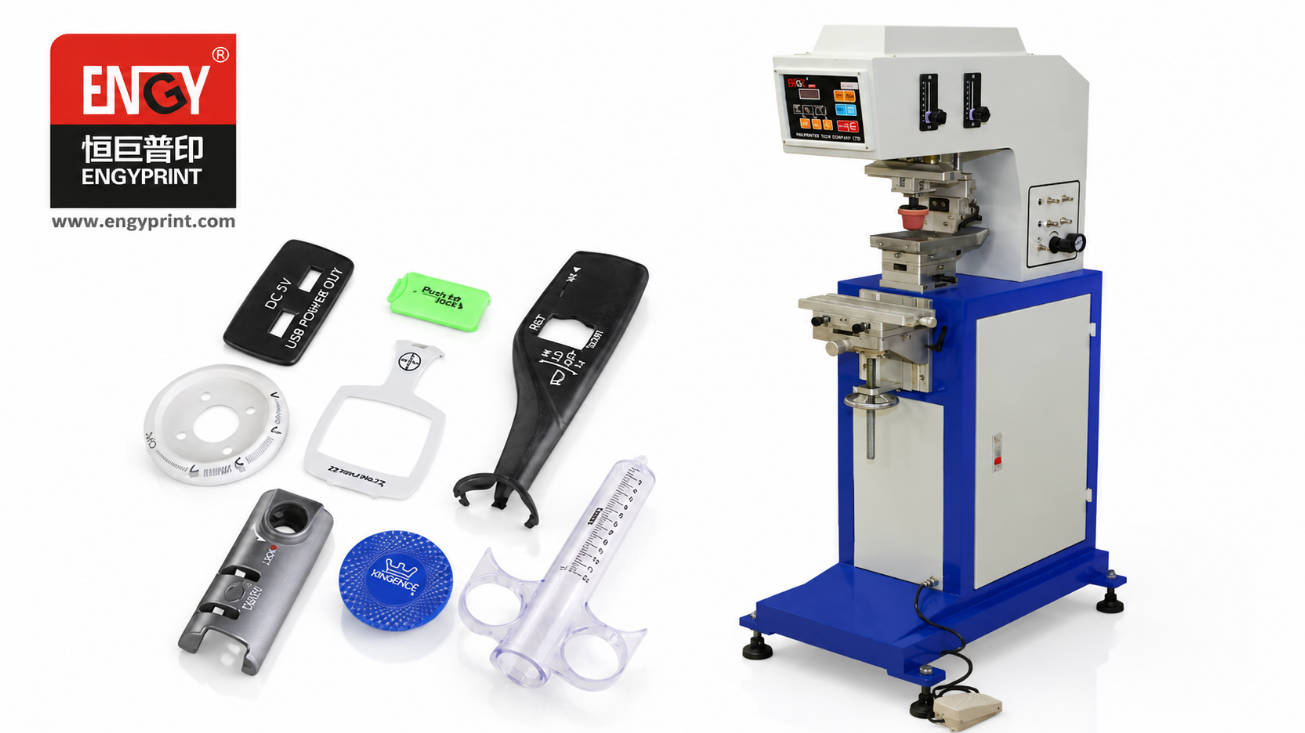
Why a Maintenance Schedule Matters for Pad Printing
Pad printing is tolerant of variation, but it is not maintenance-free. Ink dries in the cup, pads pick up debris, clichés wear, and pneumatic systems accumulate moisture. Each of these slowly degrades print definition and repeatability.
A consistent maintenance schedule costs far less than unplanned downtime, scrapped batches, and emergency service visits. For European and Australian contract manufacturers working to tight delivery windows, a 10-minute daily routine often prevents a half-day stoppage.
Daily Maintenance Checklist
Daily tasks are about keeping the print head clean and the ink in good condition:
– Clean the cliché and ink cup after every shift. Wipe the plate and cup with the correct solvent before ink skins over. – Wipe the printing pad. Remove ink mist and dust so the next pickup is clean. – Check ink viscosity. Top up thinner as needed; thick ink is a common cause of faint or broken prints. – Clear debris and overspray from the fixture and machine bed. – Verify a test print at start-up to catch drift before a run begins.
Cleaning the cliché and ink cup at the end of every shift is the single highest-return maintenance habit for pad printing.
Weekly Maintenance Tasks
Weekly checks catch wear and contamination before they affect quality:
– Inspect pads for cuts, glazing, or swelling and rotate or replace as needed. – Check the air filter and regulator. Dry, clean air is critical for consistent pad movement. – Confirm registration and print position against a reference sample. – Lubricate slides and guide rails lightly with a suitable lubricant. – Review ink-cup ring condition for scoring that could leak or mark the print.
For machines with an open tray, our open tray pad printer maintenance checklist covers tray-specific cleaning in more detail. For sealed systems, see maintaining a closed ink cup pad printer.
Monthly and Periodic Service
Monthly service is where you protect the longer-life components:
– Replace ink-cup rings (ceramic or carbide) on a planned interval rather than when they fail. – Inspect seals and cups for wear that affects ink containment. – Calibrate pressure and stroke settings and record them for repeatability. – Deep-clean pneumatic lines and drain moisture traps. – Check cliché wear and reorder before print definition drops.
Choosing between ceramic and carbide ink cup rings depends on abrasive inks and duty cycle; both are worth stocking as spares.
Maintenance Cadence at a Glance
| Cadence | Focus | Typical Tasks | Owner |
|---|---|---|---|
| Daily | Cleanliness, ink condition | Wipe cliché/cup/pad, check viscosity, test print | Operator |
| Weekly | Wear, air, registration | Pad inspection, air filter, lube, registration check | Operator / tech |
| Monthly | Consumables, calibration | Ring/seal replacement, calibration, deep clean | Technician |
Consumables and Spare Parts to Keep On Hand
Downtime is shortest when spares are already on the shelf. Keep a small inventory of:
– Printing pads in the profiles you use most. – Ink-cup rings (ceramic and carbide) matched to your cup size. – Cliché plates (polymer or laser-engraved) for fast swap-outs. – Doctor blades and cups for open-tray systems. – Correct solvents and thinners stored safely.
Our pad printing machine accessories guide lists the common consumables and how they fit together, which helps procurement plan spares for European and Australian sites.
Common Maintenance Mistakes
– Using the wrong solvent to clean, which swells pads or dulls clichés. – Neglecting air quality — moisture and particulates cause inconsistent printing. – Over-tightening the ink cup, which damages rings and seals. – Skipping ring replacement until leaks appear. – No written schedule — ad-hoc cleaning lets small issues become stoppages.
Choosing a Machine That Is Easy to Maintain
Maintenance load varies by design. A sealed ink cup pad printer typically needs less daily cleaning than an open tray because the ink is enclosed and evaporates slowly. When specifying equipment, weigh serviceability alongside price: quick-change cups, accessible clichés, and readily available spare parts reduce lifetime cost.
For a broader view, our guide on choosing the right pad printing machine covers matching machine type to part, volume, and support needs — including how maintenance access affects total cost of ownership.
FAQ
How often should I service a pad printing machine? Daily cleaning and a weekly check cover routine care; a more thorough service every month protects rings, seals, and calibration. High-volume lines may need weekly ring checks.
What should a daily pad printer checklist include? Wipe the cliché and ink cup, clean the pad, check ink viscosity, clear debris, and run a start-up test print. These take only a few minutes per shift.
Which parts wear out fastest on a pad printer? Printing pads and ink-cup rings wear quickest, followed by clichés. Pads and rings are inexpensive and should be treated as planned consumables.
Do sealed ink cup machines need less maintenance than open tray? Generally yes for daily cleaning, because the enclosed cup slows solvent loss. Both still need weekly and monthly checks; see the relevant maintenance guides for each type.
Can poor air quality affect pad printing quality? Yes. Moisture and particulates in the air supply cause inconsistent pad movement and spotting. A clean, regulated air filter and moisture trap are essential.
What spare parts should I stock for pad printer upkeep? Pads, ink-cup rings (ceramic and carbide), cliché plates, and the correct solvents. Keeping these on hand turns a potential stoppage into a quick swap.
Conclusion
A pad printing machine maintenance schedule built on daily cleaning, weekly checks, and monthly service protects print quality and avoids costly downtime. For European and Australian manufacturers, documenting the routine and stocking the right consumables is the most practical way to keep production stable.
If you need help specifying a maintainable pad printing machine, or want spare-part guidance for your site, contact our team to discuss your volume and application.