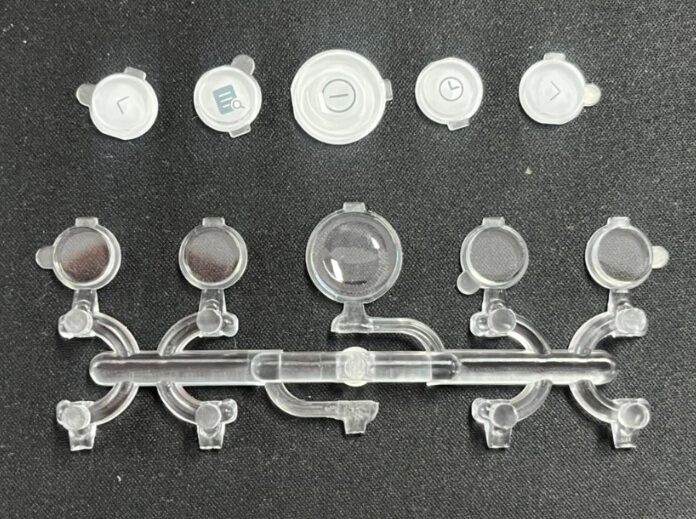
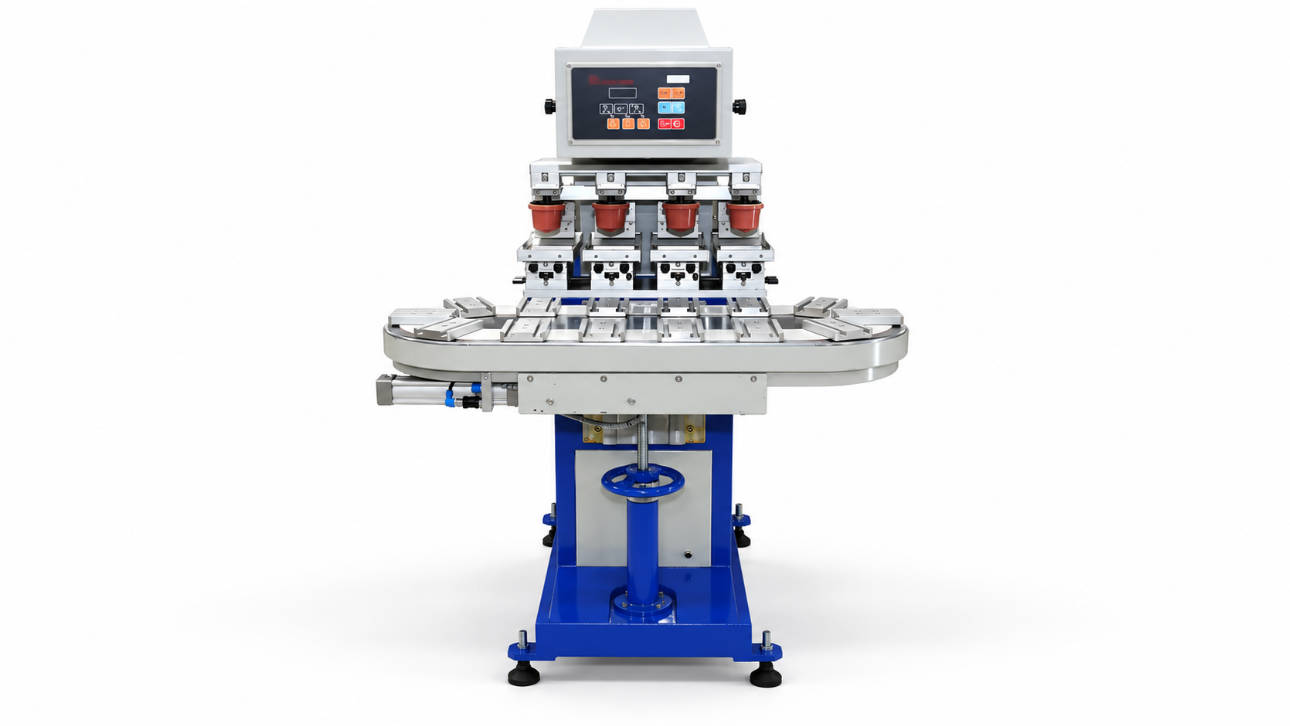
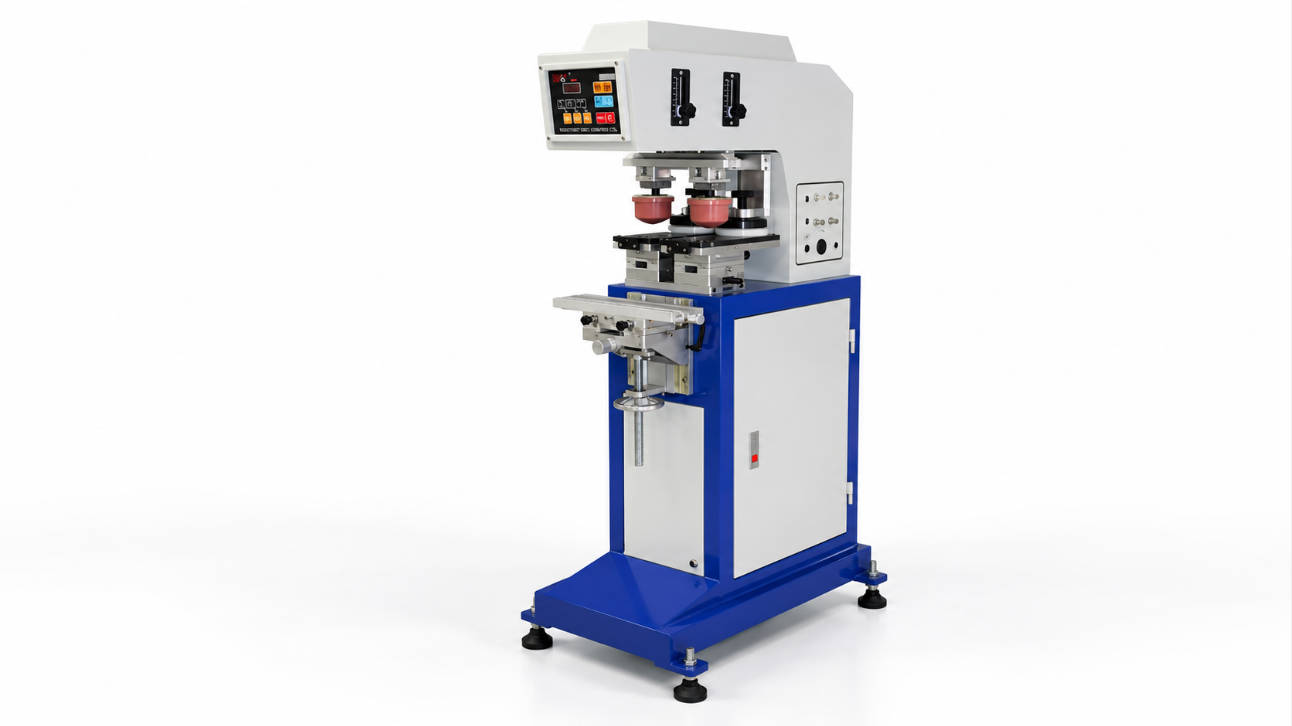
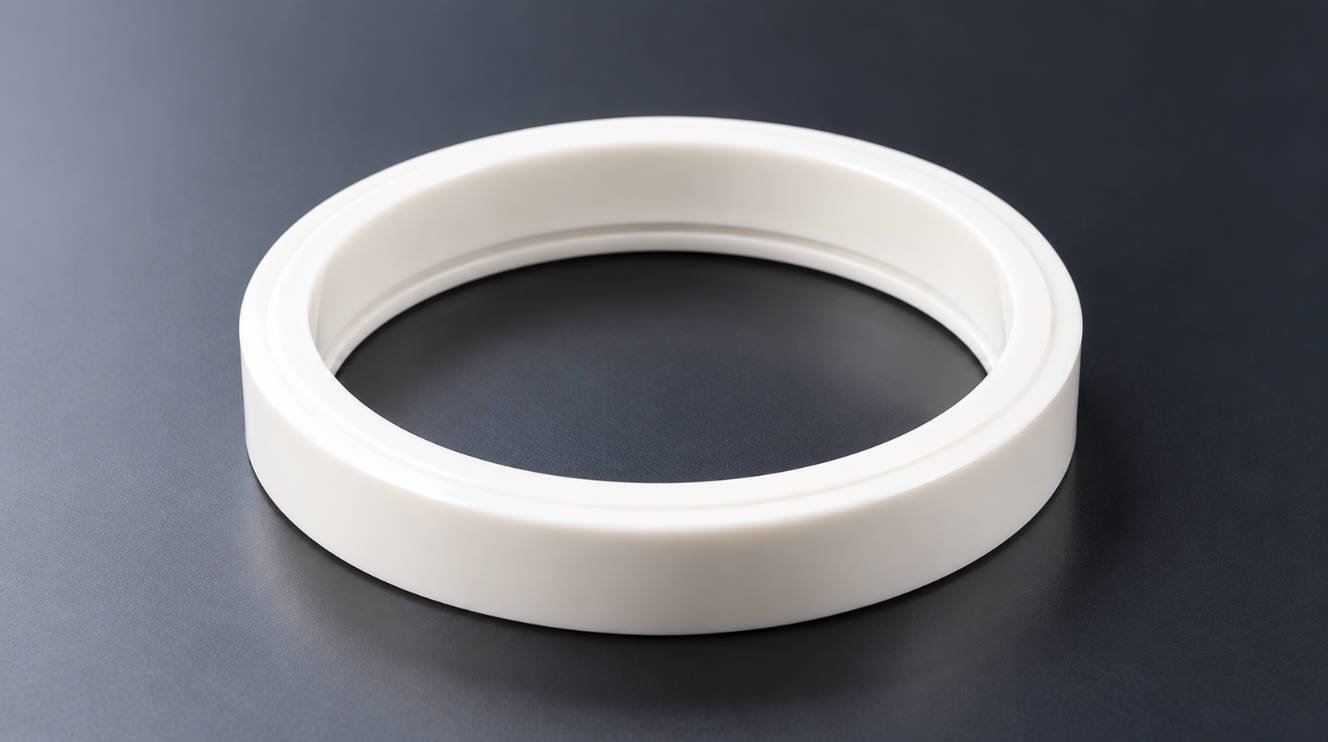
For many small logos, product codes, symbols and identification marks, a desktop pad printing machine can be a practical choice.
However, a small logo does not automatically mean that a small machine will fit the application.
A desktop pad printing machine is suitable when the print image, complete product, fixture, silicone pad and required machine stroke all fit within the machine’s working range.
That means a 15 × 10 mm logo printed on a small button and the same 15 × 10 mm logo printed on a large appliance housing can require completely different equipment.
The logo is only one part of the selection process.
Before choosing a small pad printer, evaluate:
- finished logo dimensions
- complete product dimensions
- printing position
- product height
- surface shape
- fixture requirements
- number of colors
- production quantity
- future artwork requirements
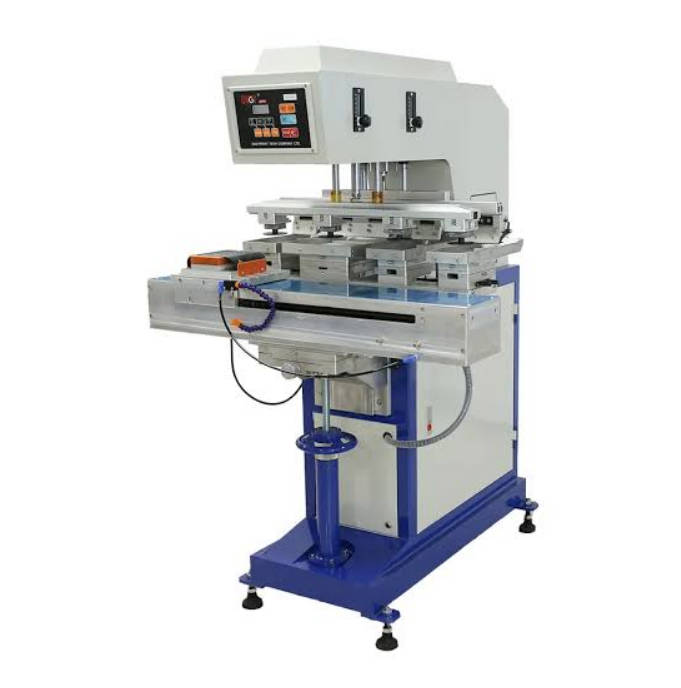
ENGY offers one-color, multi-color, open-tray and closed-ink-cup pad printing machine configurations for different product and printing requirements. (ENGYPRINT)
The goal of this guide is therefore not to prove that desktop machines are suitable for every small logo.
It is to help you identify when compact equipment is enough—and when moving to a larger machine makes more sense.
Start Here: A Quick Desktop Pad Printer Fit Test
Before comparing machine prices or dimensions, use this simple evaluation.
| Application Question | Desktop Machine Is More Likely to Fit When… | Reconsider the Machine Size When… |
| Is the logo small? | Artwork fits comfortably within the available print area | Artwork approaches the machine limit |
| Is the product compact? | Part fits easily beneath the printing head | Product body interferes with machine structure |
| Is the printing position accessible? | Pad can approach the print area vertically | Logo is deep, recessed or blocked by surrounding geometry |
| Is the fixture simple? | Product can be located in a compact nest | Large or complex holding mechanism is required |
| How many colors? | One color or a simple multi-color process | Complex registration or multiple stations are needed |
| Is loading manual? | Operator can load efficiently | Loading becomes the production bottleneck |
| Is production flexible? | Many small batches or SKUs | Continuous high-volume production dominates |
| Will jobs become larger later? | Future products have similar requirements | Larger parts or artwork are already planned |
The ideal desktop pad printing project is not simply a small logo. It is a compact overall printing process.
That distinction should guide the entire purchasing decision.
“Desktop” Describes the Machine Format, Not the Exact Print Size
Terms such as:
- desktop pad printing machine
- tabletop pad printer
- mini pad printing machine
- small pad printer
are often used to describe compact equipment.
They do not define a single universal technical specification.
Two tabletop machines can have different:
- plate dimensions
- ink cup sizes
- pad strokes
- vertical clearances
- printing forces
- fixtures
- control systems
So a buyer should never assume:
“It is a tabletop machine, so it must only print very tiny logos.”
Nor should they assume:
“My logo is tiny, so every tabletop machine will work.”
ENGY’s machine range itself includes different one-color and multi-color configurations as well as a table-type open-tray model, illustrating that compact machine format and printing configuration are separate considerations. (ENGYPRINT)
The actual application needs to be matched to the specific machine.
The Four Dimensions That Matter More Than the Word “Mini”
When evaluating a desktop pad printer, think in four dimensions.
1. Logo Width and Height
The first specification is the final print size.
For example:
- 10 × 8 mm symbol
- 20 × 12 mm logo
- 35 × 15 mm product name
- 50 × 20 mm warning mark
Measure the complete artwork rather than one individual letter or graphic element.
The print area must be compatible with:
- cliché size
- ink cup or open-tray system
- machine stroke
- silicone pad
ENGY notes that print size in a closed-ink-cup system is influenced by ink cup dimensions and machine stroke. (ENGYPRINT)
Do not choose a machine whose nominal capacity is only just large enough for the current logo. Reasonable working clearance makes setup easier and gives you more flexibility for future artwork.
2. Product Length, Width and Height
This is often more important than the logo itself.
Consider these two jobs:
Product A
Logo: 25 × 10 mm
Product: 40 × 30 × 15 mm
Product B
Logo: 25 × 10 mm
Product: 300 × 180 × 120 mm
Both use the same artwork.
Product A may fit naturally into a tabletop machine.
Product B may require much more working space even though only a very small area needs printing.
When checking the product, consider:
- overall width
- overall length
- product height
- position of the printed surface
- surrounding obstacles
- loading direction
A tall bottle, deep plastic housing or long molded component may exceed a compact machine’s usable space before artwork size becomes a problem.
3. Printing Position
The same product can create very different machine requirements depending on where the logo is located.
A logo on the top center may be easy.
The same logo can become more difficult when placed:
- close to an edge
- inside a cavity
- beside a raised rib
- between two projections
- on a sharply curved area
- near a handle
- on a side-facing surface
Pad printing is particularly useful for non-flat product geometries because the silicone pad deforms during image transfer. ENGY lists flat, round, curved, recessed and raised surfaces among pad printing applications. (ENGYPRINT)
But the pad still needs physical access to the printing location.
A small logo hidden inside difficult product geometry can require more machine clearance than a much larger logo on an open flat surface.
4. Fixture Size
The product does not normally sit loosely underneath the pad.
It needs to be positioned in a repeatable fixture.
The fixture may be very simple for a small rigid component.
A molded plastic cap, for example, may only require a shaped nest that:
- prevents movement
- controls orientation
- positions the logo correctly
Other products may need:
- locating pins
- mechanical stops
- clamps
- shaped supports
- adjustable tooling
- multi-position fixtures
ENGY recommends providing product size, logo size and printing location when selecting a pad printing solution, and notes that customized fixtures are used for different product shapes. (ENGYPRINT)
A product that technically fits under the machine may still be unsuitable if the fixture needed to hold it does not.
Where Desktop Pad Printing Machines Make the Most Sense
Instead of defining desktop equipment by industry, it is more useful to define it by production pattern.
Scenario A: One Small Logo on One Small Product
This is the clearest desktop-machine application.
Example workflow:
Load product → Press cycle → Print logo → Remove product
Typical characteristics:
- one print location
- one color
- compact part
- small artwork
- simple fixture
- manual loading
- frequent product changes
This type of project usually does not require a complex automated system.
For buyers producing relatively simple small-part applications, reviewing available small and standard pad printing machine options is a logical starting point.
Scenario B: Prototype and Sample Printing
Desktop equipment can also make sense when production quantity is not the primary concern.
Product development teams may need to test:
- different logo sizes
- ink colors
- cliché designs
- silicone pads
- printing positions
- fixture concepts
A compact machine provides a dedicated testing station without occupying a larger production system.
This is especially useful when the artwork or product changes frequently.
The value here is flexibility rather than maximum throughput.
Scenario C: High-Mix, Low-Volume Production
Imagine a supplier that prints:
- Product A on Monday
- Product B on Tuesday
- Product C in a short run on Wednesday
- customer samples on Thursday
An automated line designed around only one part may not be appropriate.
A compact machine with interchangeable:
- fixtures
- clichés
- pads
- ink colors
can provide better production flexibility.
For this type of work, fast changeover can be more important than maximum cycle speed.
Scenario D: Secondary Production Station
A tabletop machine does not have to be the factory’s primary pad printer.
It may serve as a separate station for:
- rework
- replacement parts
- samples
- engineering trials
- special orders
- low-volume SKUs
- urgent production
This allows a main production machine to remain dedicated to larger-volume jobs.
For established factories, this can be a more practical reason to purchase a small pad printer than using it as the main production system.
One Color or Multi-Color: This Can Change the Machine Decision Quickly
Small logos are often assumed to be simple logos.
That is not always true.
A 20 mm logo may contain two, three or more colors.
One-Color Small Logos
A one-color logo is generally the easiest case.
The process can remain compact:
Cliché → Pad → Product
If the product and fixture are also small, a one-color desktop configuration may be a strong fit.
ENGY’s current machine category includes several one-color closed-ink-cup and open-tray machines. (ENGYPRINT)
Two-Color Small Logos
Now registration becomes important.
Color 2 must align with Color 1.
The machine or fixture therefore needs to control the product position between printing operations.
Possible equipment concepts can include:
- shuttle movement
- product repositioning
- multi-color machine configurations
- dedicated indexing
A logo may still be physically small, but the printing system becomes more complex.
Multiple Colors
As color count increases, the project moves further away from a basic desktop selection.
The buyer must evaluate:
- number of clichés
- number of ink systems
- pad arrangement
- registration
- product movement
- cycle sequence
- machine footprint
ENGY’s current product category includes multi-color shuttle and conveyor pad printing systems in addition to one-color machines. (ENGYPRINT)
At that stage, “small logo” becomes a secondary consideration.
Closed Ink Cup or Open Tray for Small Logo Printing?
Both systems can be used in pad printing, but they handle ink differently.
ENGY describes two common configurations in its machine range: the sealed or closed ink cup system and the open-tray system. (ENGYPRINT)
Closed Ink Cup
In a closed system, the ink is contained inside an ink cup that travels over the cliché.
For compact logo applications, buyers should check:
- cup size
- cliché dimensions
- print area
- machine stroke
The ink cup must provide sufficient usable coverage for the complete artwork.
Open Tray
An open-tray machine uses an exposed ink reservoir and doctor blade arrangement.
This can support different plate configurations and can also be used when larger image requirements are involved.
ENGY states that its open-tray machine range can accommodate relatively large logo formats depending on the machine configuration. (ENGYPRINT)
For a small-logo buyer, however, the key question remains:
Which system fits my product and production method?
Not:
Which system sounds more advanced?
When a Desktop Pad Printer Starts Becoming Too Small
The useful limit of a small machine is often reached gradually.
Watch for these warning signs.
Your Product Barely Fits the Working Area
If the operator must tilt or maneuver the product around machine components just to load it, the equipment is probably too small for comfortable production.
A machine should not merely make the print physically possible.
It should allow a practical repeated workflow.
The Required Pad Is Becoming Large
The silicone pad must cover the artwork and deform correctly over the product.
A larger:
- image
- curved area
- recessed location
may require a larger pad.
That also increases space requirements around the printing head.
The Fixture Is Larger Than Expected
A small product does not always mean small tooling.
If several parts are loaded simultaneously or the fixture needs adjustment mechanisms, the tooling footprint can grow quickly.
Manual Loading Controls the Entire Cycle
Imagine the printer finishes its mechanical operation quickly, but the operator spends most of the cycle:
- finding the part
- orienting it
- loading it
- checking alignment
- unloading it
At this point, buying a slightly faster desktop machine will not significantly improve production.
The real problem is handling.
ENGY notes that automatic loading and unloading can be integrated when higher production efficiency is required. (ENGYPRINT)
Your Current “Small Batch” Has Become Daily Mass Production
A machine originally purchased for:
- samples
- 100-piece runs
- occasional jobs
may gradually become responsible for repeated production every day.
This changes the purchasing logic.
The important questions become:
- operator workload
- machine utilization
- feeding method
- cycle consistency
- maintenance
- automation potential
At this point, a larger or more automated platform may produce a better overall workflow.
Desktop vs Larger Pad Printing Machine: A More Useful Comparison
| Requirement | Desktop / Tabletop Pad Printer | Larger Pad Printer |
| Small logo | Strong fit | Also suitable |
| Compact product | Strong fit | May provide unused capacity |
| Prototype work | Very practical | Often unnecessary |
| Frequent small batches | Practical | Depends on configuration |
| Limited bench/factory space | Advantage | Requires more space |
| Large/tall product | Can become restrictive | Greater flexibility |
| Large fixture | Limited by working area | More installation space |
| One color | Well suited | Well suited |
| Several colors | Model dependent | More configuration options |
| Large silicone pad | May become limiting | More capacity available |
| Automatic loading | Possible only on suitable configurations | Easier to integrate |
| Conveyor production | Not typical of basic desktop units | More suitable |
| Future product expansion | More limited | Provides greater reserve |
A larger pad printer does not automatically produce a better small logo. It simply provides a larger operating envelope and more room for complex production requirements.
If the compact machine already satisfies the application, additional machine size may provide little practical benefit.
Do Not Choose a Desktop Machine Only from the Price
Small pad printing machines can appear attractive because they generally involve a lower level of equipment complexity.
But a machine quotation should be evaluated as a complete printing solution.
Check whether your project requires:
- pad printing machine
- product fixture
- cliché plate
- silicone pad
- ink cup or open-tray system
- appropriate ink
- thinner or process consumables
- additional tooling
Also consider future availability of:
- replacement pads
- plates
- ink cup rings
- fixtures
- technical support
The lowest equipment quotation is not useful if a critical accessory needed for your product is missing.
The Better Way to Request a Desktop Pad Printer Quote
Instead of sending this:
I need one desktop pad printing machine. Please quote.
Send application information.
Product
Provide:
- product photograph
- product material
- length
- width
- height
Artwork
Provide:
- logo file
- final printing width
- final printing height
- number of colors
Printing Position
Mark the exact logo location on a product photograph.
This immediately shows whether the pad must print:
- on top
- on a side
- inside a recess
- over a curve
- near another product feature
Production Requirement
State:
- estimated quantity per batch
- expected daily production
- manual or automatic loading preference
- number of different products
ENGY specifically advises buyers to provide product size, logo size and printing location when selecting equipment. (ENGYPRINT)
This information allows the machine to be evaluated from the application rather than from the keyword “desktop.”
Four Buyer Profiles: Does a Desktop Machine Fit?
Buyer 1: Promotional Printing Workshop
Requirement:
Print different customer logos on small promotional items in short runs.
Likely direction:
Desktop/tabletop equipment can be highly practical because flexibility and changeover are more important than full automation.
Buyer 2: Electronics Component Manufacturer
Requirement:
Print a one-color model number on a small molded housing.
Likely direction:
A small pad printer can be suitable if the component and fixture fit comfortably and production volume does not require automatic feeding.
Buyer 3: Manufacturer Printing a Small Logo on a Large Housing
Requirement:
Logo measures only 20 × 15 mm, but the housing is large and tall.
Likely direction:
Do not select from logo size alone. Verify product clearance and fixture space first. A larger machine may be required.
Buyer 4: Factory Printing Thousands of Small Parts Continuously
Requirement:
Very small logo and very small product, but loading is repetitive throughout the day.
Likely direction:
The print size may suit a desktop machine, but production efficiency may justify automatic feeding or a more integrated equipment configuration.
This illustrates an important principle:
A desktop machine can be technically capable of printing the part while still being commercially unsuitable for the required production process.
What Should You Confirm Before Ordering?
Use this final checklist.
Artwork
- final logo width
- final logo height
- number of colors
- line/detail requirements
Product
- length
- width
- height
- material
- surface shape
- print location
Fixture
- one product or multiple products per cycle
- locating method
- loading direction
- changeover requirements
Machine
- usable image area
- product clearance
- pad stroke
- fixture space
- plate dimensions
- ink system
- number of colors
Production
- batch quantity
- daily output
- number of SKUs
- operator involvement
- future expansion
If these requirements remain compact, the desktop format is probably worth serious consideration.
FAQ
Is a desktop pad printing machine suitable for small logos?
Yes. A desktop pad printing machine is often suitable for small logos when the complete artwork, product, fixture and silicone pad fit within the machine’s working range.
What can a small pad printing machine print?
Small pad printers can be used for logos, symbols, product codes, text and decorative graphics on many compact products. Suitability depends on the product geometry, material and print location.
Can a tabletop pad printer print curved products?
Yes. Pad printing uses a flexible silicone pad, making it suitable for many curved, round, recessed and irregular surfaces. The correct pad and fixture still need to be selected for the product.
Is a mini pad printing machine suitable for plastic parts?
Yes, many plastic products are pad printed. The machine selection depends on product size and geometry, while ink and possible surface pretreatment depend on the plastic substrate and adhesion requirements.
Can a desktop pad printing machine print a large product?
Possibly. The key limitation is whether the complete product and fixture fit inside the machine’s working space and whether the silicone pad can reach the printing location.
Can a tabletop pad printer print two colors?
Yes, depending on the equipment configuration. Multi-color printing also requires accurate registration and suitable product movement between color applications.
Is a desktop pad printer only suitable for samples?
No. It can also support regular small-batch or repetitive production when manual loading, machine capacity and cycle requirements remain practical.
What is the difference between a desktop pad printer and a larger industrial machine?
The main differences usually involve working area, product clearance, machine configuration, available printing capacity and automation possibilities rather than whether one machine is “professional” and the other is not.
Does a smaller logo always require a smaller pad printing machine?
No. A small logo can be located on a large or difficult-to-access product. Machine size should be selected from both the artwork and the complete product geometry.
What information should I send before buying a tabletop pad printer?
Send the product photo, product dimensions, product material, logo file, final print dimensions, number of colors, printing position and approximate production quantity.
Conclusion: Buy for the Product, Not the Word “Desktop”
A desktop pad printing machine can be a very practical solution for small-logo printing.
It is particularly suitable when:
- the artwork is compact
- the product is also relatively compact
- the printing location is accessible
- fixture requirements are simple
- one or a few colors are needed
- manual loading remains efficient
- production consists of samples, flexible batches or manageable repetitive runs
But logo size should never be the only criterion.
The correct small pad printer must accommodate the complete product, fixture, silicone pad and printing movement—not just the image on the cliché.
For a small plastic component with a 20 mm logo, a tabletop machine may provide exactly the capacity required.
For a large housing carrying the same 20 mm logo, a larger machine may be necessary.
And for thousands of small parts requiring continuous loading, automation may matter more than machine footprint.
The most reliable selection method is therefore:
Artwork → Product → Print Position → Fixture → Pad → Machine Space → Colors → Production Volume
You can review ENGY’s Pad Printing Machine B Series for available equipment configurations.
For additional pad printing machines, consumables and application information, visit ENGY.