You print a clean logo on a plastic part. It looks fine when it leaves the machine.
Then someone rubs it with a finger, scratches it with a fingernail, applies a piece of tape, or wipes it with alcohol—and the ink starts coming off.
Why?
Ink usually rubs off plastic because the ink is not forming a strong bond with the plastic surface. The most common causes are an incompatible ink, low surface energy, surface contamination, insufficient pretreatment, incorrect ink preparation, or incomplete curing.
The problem is especially common with polypropylene (PP), polyethylene (PE), and other plastics that are naturally difficult for inks, coatings, and adhesives to wet and bond to.
The solution is not simply to apply more ink.
Manufacturers need to identify the plastic, understand its surface condition, select a compatible ink system, prepare the surface correctly, control the printing process, and allow the ink to cure properly.
This guide explains why printed logos come off plastic and how manufacturers can improve ink adhesion in industrial production.
Start With the Plastic, Not the Ink
One of the most common mistakes in plastic printing is asking:
“What ink sticks to plastic?”
The problem is that “plastic” is not one material.
Industrial products can be manufactured from:
- ABS
- PP
- PE
- PVC
- PC
- PC/ABS
- PA
- PET
- acrylic
- TPU
- other engineering polymers
These materials have different chemical structures and surface characteristics.
An ink that performs well on ABS may behave very differently on polypropylene.
A printing process that works on a rigid electronic housing may fail on a flexible polyethylene component.
The correct question is not “What ink works on plastic?” but “What ink and surface preparation work with this specific plastic grade and application?”
That distinction can save a large amount of troubleshooting time.
Why Some Plastics Are Harder to Print Than Others
For ink to remain on a product, it must first wet the surface and then develop sufficient adhesion.
Some plastics make that relatively easy.
Others naturally resist the process.
ABS
ABS is widely used for:
- electronic housings
- toys
- automotive components
- appliance parts
- buttons
With a compatible ink and a clean surface, ABS is commonly suitable for industrial printing.
But even ABS can produce adhesion problems if the molded part contains contamination, release agents, coatings, or other surface residues.
Polycarbonate
PC is used for products requiring strength, dimensional stability, or transparency.
It can be printed successfully, but ink compatibility should be verified because aggressive solvents may affect certain surfaces.
PVC
PVC is used in both rigid and flexible products.
Different PVC formulations can contain plasticizers and additives, so preliminary testing remains important.
Polypropylene
PP is where many manufacturers begin experiencing problems.
Polypropylene has relatively low surface energy, which makes it difficult for many conventional inks to wet and bond strongly.
Typical PP products include:
- bottle caps
- containers
- medical components
- household products
- promotional products
- molded industrial parts
Depending on the ink formulation, PP may require surface treatment before printing.
Polyethylene
PE presents a similar challenge.
It is widely used in:
- bottles
- containers
- packaging
- caps
- flexible components
- industrial parts
Untreated polyethylene surfaces can be difficult to print reliably with many ink systems.
This is why the exact substrate should be identified before setting up mass production.
ENGY’s guide to pad printing on electronic components and plastic housings also discusses how ABS, PC, PP, PE, acrylic, painted plastics, and other surfaces behave differently during printing.
Seven Reasons Ink Rubs Off Plastic
Instead of immediately changing the machine, check the failure systematically.
1. The Ink Is Not Compatible With the Plastic
This is one of the most basic causes.
Printing inks use different resin systems designed to bond with different substrates.
If the chemistry is wrong, the print may initially look acceptable but fail an adhesion test later.
Possible symptoms include:
- scratching off easily;
- peeling;
- poor tape-test results;
- complete ink removal with light rubbing.
Changing the ink viscosity will not solve an incompatibility between the resin system and the substrate.
The ink itself needs to be suitable for the material.
For a broader comparison of industrial formulations, see ENGY’s guide to pad printing ink types.
2. The Surface Energy Is Too Low
Ink needs to spread across a surface before it can bond properly.
On low-surface-energy plastics such as PP and PE, ink may tend to remain on the surface without developing sufficient adhesion.
This can create a print that looks visually acceptable at first but can later be removed by:
- fingernail scratching;
- tape;
- abrasion;
- cleaning agents.
In these cases, surface treatment may be necessary.
3. Mold Release or Oil Is Still on the Product
Injection-molded products can carry contaminants from manufacturing.
Common examples include:
- mold-release agents;
- lubricants;
- machining oil;
- fingerprints;
- dust;
- silicone residues;
- grease.
These materials create a boundary layer between the ink and the plastic.
The ink may effectively be bonding to contamination rather than to the product itself.
When that contamination moves or breaks away, the print comes with it.
A plastic part that looks clean is not necessarily clean enough for printing.
4. The Product Was Pretreated Incorrectly
Surface treatment is not simply an additional step that automatically improves every product.
Treatment must be:
- suitable for the material;
- applied to the correct area;
- controlled consistently;
- followed by printing within an appropriate process window.
Insufficient treatment may fail to change the surface enough.
Excessive treatment can also damage some products.
The process should therefore be validated on the actual component.
5. The Ink Was Mixed Incorrectly
Some pad printing inks use a two-component system.
That usually means the production team must mix:
- ink;
- hardener;
- thinner or other specified additives
according to the formulation requirements.
Adding more hardener does not automatically mean stronger adhesion.
Likewise, adding excessive thinner to make the ink “easier to print” can change how the ink behaves.
Operators should control:
- mixing ratio;
- viscosity;
- working time;
- temperature;
- production conditions.
6. The Ink Has Not Fully Cured
This causes many false failures.
A product may feel dry enough to handle while the ink film has not yet developed its intended mechanical or chemical resistance.
Testing immediately after printing can therefore give very different results from testing after the specified curing period.
Depending on the ink system, curing may involve:
- solvent evaporation;
- chemical reaction;
- heat;
- UV energy;
- time.
Surface-dry and fully cured are not the same condition.
7. The Required Durability Is Higher Than the Process Was Designed For
Sometimes adhesion is acceptable, but the application is unusually demanding.
Consider:
- a car button touched thousands of times;
- a bottle cleaned repeatedly with alcohol;
- a medical component exposed to disinfectants;
- an outdoor product exposed to weather;
- a handheld tool exposed to oil and abrasion.
A printing process designed only for visual decoration may not meet those requirements.
Durability targets should therefore be defined before production begins.
Why Does Ink Stick to ABS but Not PP?
This is a common factory question.
Imagine a manufacturer prints the same artwork using similar settings on two parts:
- ABS housing;
- PP cap.
The ABS print passes the rub test.
The PP print scratches off.
Operators may assume the printer is inconsistent.
But the machine may be working correctly.
The difference can come from the substrates themselves.
PP generally presents a more difficult bonding surface for conventional inks.
This is why changing pressure or increasing pad force often fails to solve the real problem.
Printing pressure cannot compensate for an ink-to-substrate compatibility problem.
If PP is causing repeated failures, investigate:
- exact PP grade;
- contamination;
- ink compatibility;
- pretreatment requirements;
- curing;
- finished-product durability requirements.
Flame, Plasma or Corona Treatment: What Do They Do?
Surface pretreatment is commonly considered when the plastic does not naturally provide sufficient adhesion.
The goal is to modify the surface so that ink can wet and bond more effectively.
Flame Treatment
A controlled flame passes over the plastic surface.
The process can modify the outer molecular layer and improve its receptiveness to printing.
Flame treatment is commonly considered for molded plastic components where the process can be safely and consistently controlled.
Plasma Treatment
Plasma treatment uses an energized gas to modify and clean the surface.
Depending on the system, it can be applied to targeted areas and integrated into automated manufacturing equipment.
This is particularly useful where controlled treatment is required before printing.
Corona Treatment
Corona treatment is widely associated with films, sheets, and certain continuous plastic materials, although exact suitability depends on product geometry and production setup.
Do All Plastics Need Pretreatment?
No.
This is another important point.
Pretreatment should solve an actual adhesion problem, not be added automatically.
Some materials and ink combinations can achieve suitable adhesion without it.
Others may require it.
The decision should be based on testing.
Why Cleaning Before Printing Matters
A factory may spend time changing:
- ink;
- silicone pads;
- printing pressure;
- plate depth;
- machine speed
when the problem is simply surface contamination.
A basic investigation should include cleaning.
The appropriate cleaning method depends on:
- substrate;
- contamination type;
- production process;
- ink manufacturer’s recommendations.
The cleaning agent must also be evaluated carefully because some solvents can attack plastic surfaces or leave residues.
After cleaning, avoid unnecessary handling of the print area.
Finger oils alone can influence difficult applications.
Does a Deeper Cliché Make Ink Stick Better?
Not necessarily.
This is a classic example of treating the symptom instead of the cause.
A deeper cliché can transfer more ink in some conditions.
But more ink does not automatically create stronger adhesion.
If the ink is incompatible with PP, doubling the deposited ink does not correct the surface chemistry.
A thicker layer may also introduce other problems such as:
- slow drying;
- edge definition loss;
- smearing;
- poor fine-detail reproduction.
Cliché depth should be selected for proper image transfer, not used as a substitute for substrate preparation.
Does More Printing Pressure Improve Adhesion?
Again, usually not in the way operators expect.
Pad pressure affects contact between:
- silicone pad;
- cliché;
- product.
Correct pressure is important for image transfer.
But once the ink reaches the product, adhesion depends primarily on the interaction between the ink film and the substrate.
Excessive pressure can instead cause:
- distorted images;
- blurred edges;
- pad wear;
- unnecessary mechanical stress.
Use enough pressure for stable transfer, not as an attempt to force ink into the plastic.
Plastic Printing Troubleshooting Table
| Problem | Possible Cause | What to Check First |
| Ink scratches off with fingernail | Poor adhesion | Ink/substrate compatibility |
| Ink comes off with tape | Weak surface bond | Cleaning, treatment, curing |
| PP print peels | Low surface energy | Ink selection and pretreatment |
| PE logo rubs off | Insufficient adhesion | Surface treatment and ink compatibility |
| Print fails after alcohol wipe | Chemical resistance too low | Ink system and cure |
| Logo smears | Ink transfer/drying issue | Viscosity and drying conditions |
| Print works on one batch but not another | Material/surface variation | Resin grade, additives, mold release |
| Print looks good but fails later | Incomplete curing | Cure time/process |
| Fine logo prints poorly after adding more ink | Excessive ink deposit | Cliché and viscosity setup |
How to Test Whether the Logo Really Sticks
Visual appearance is not enough.
A printed part should be evaluated according to its intended use.
Fingernail or Scratch Check
Useful as a quick production check.
If the image can be removed immediately with very light scratching, the process needs investigation.
Tape Adhesion Test
Tape testing can reveal poor bonding between the ink and substrate.
The exact test procedure should be defined according to the product requirement rather than improvised differently by each operator.
Rub Test
Repeated rubbing simulates handling and abrasion.
This is especially relevant for:
- buttons;
- housings;
- handles;
- toys;
- consumer products.
Alcohol or Chemical Wipe Test
If the finished part will be cleaned with alcohol, detergent, oil, disinfectant, cosmetics, or another chemical, resistance should be tested with the relevant substance.
Aging Test
Some applications require evaluation after:
- heat;
- humidity;
- storage;
- packaging;
- UV exposure.
The test should reproduce the real product environment whenever possible.
Pad Printing vs Screen Printing for Plastic Adhesion
Manufacturers sometimes assume that poor pad-printing adhesion means another printing technology will automatically solve the problem.
That is not necessarily true.
If the root problem is low surface energy or contamination, multiple printing processes may experience adhesion difficulties.
The choice between pad and screen printing should instead consider:
- product geometry;
- logo size;
- printing location;
- detail;
- production method.
ENGY’s pad printing vs screen printing for plastic parts guide explains these process differences in more detail.
For small logos, curved products, recessed surfaces, and irregular molded parts, pad printing often has an important geometric advantage because the silicone pad conforms to the product.
When Does the Pad Printing Machine Matter?
An ink adhesion issue is not always caused by the machine.
But stable equipment is still important.
The machine controls variables such as:
- pad movement;
- printing pressure;
- cycle timing;
- ink pickup;
- product positioning;
- multi-color registration.
If these variables change between parts, print quality can become inconsistent even when the correct ink has been selected.
For high-volume production, process repeatability becomes especially important.
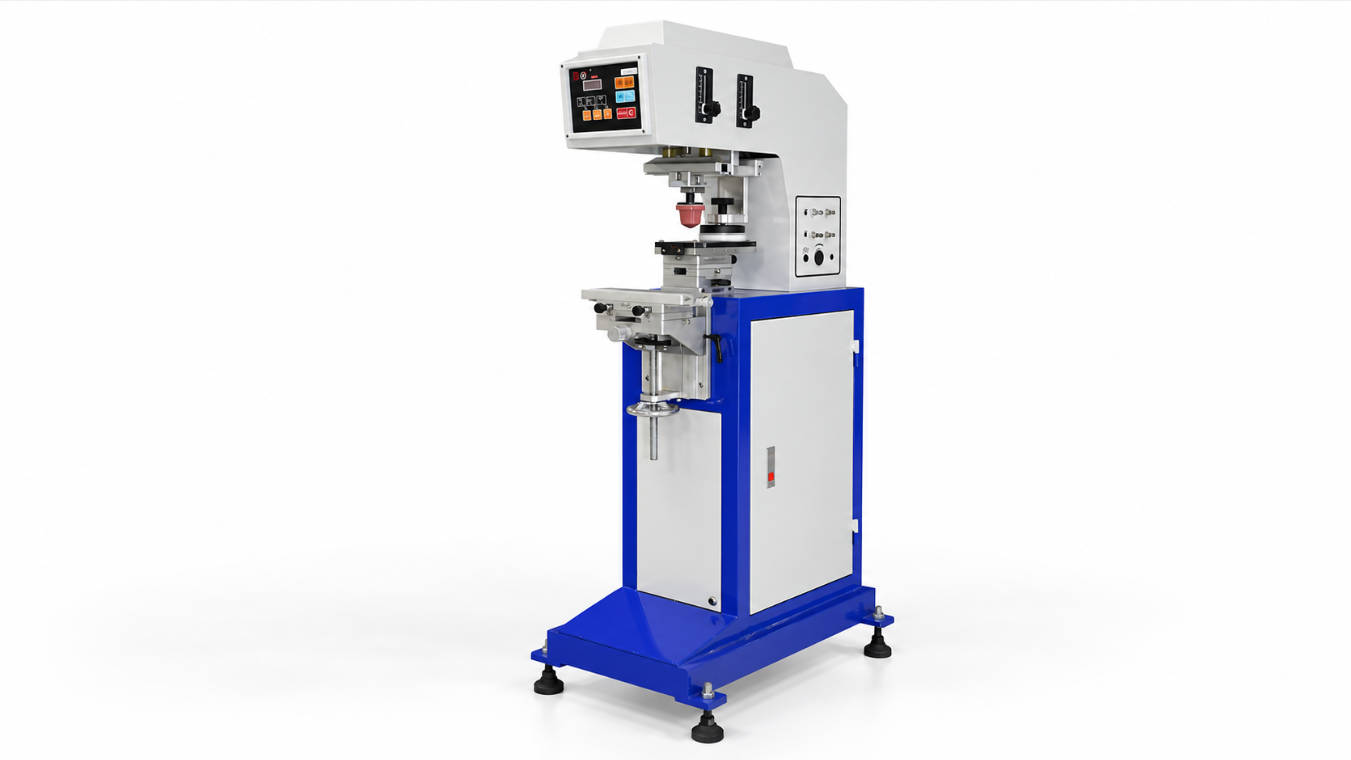
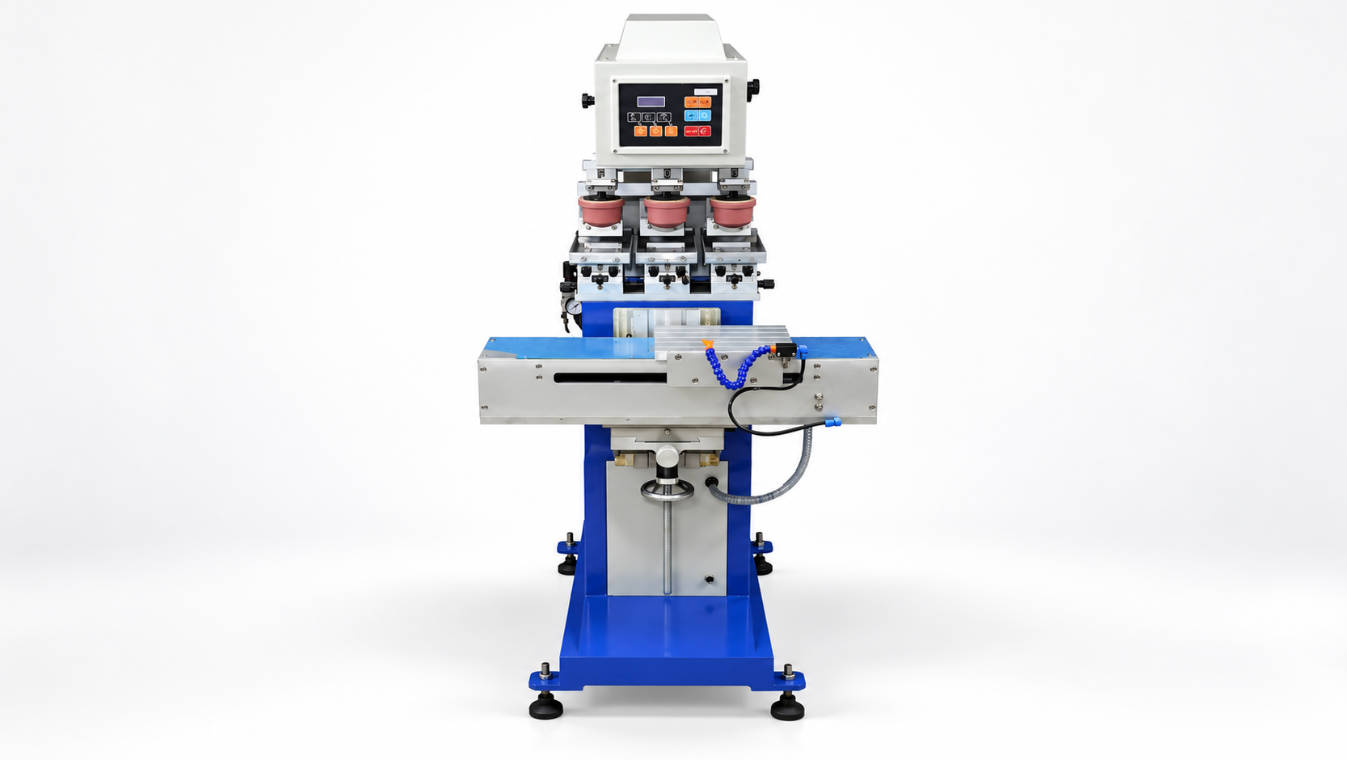
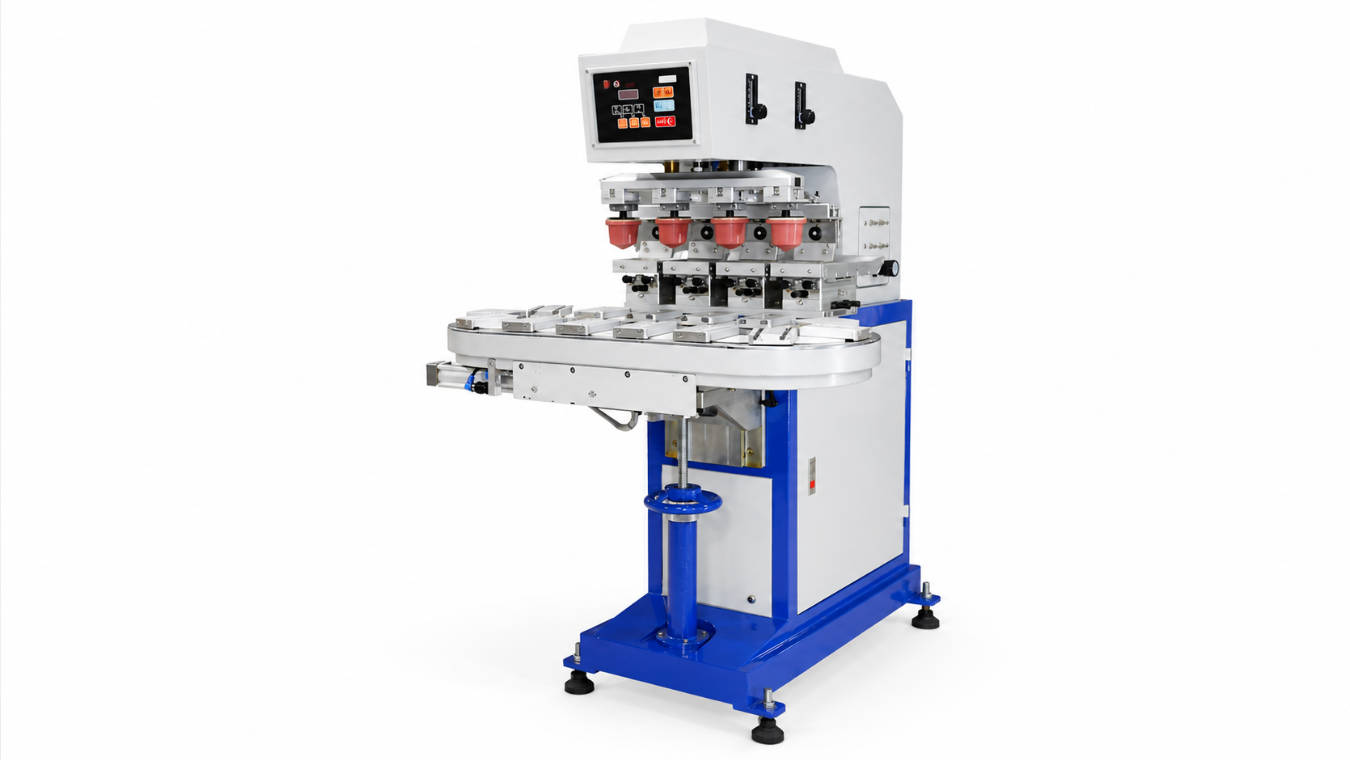
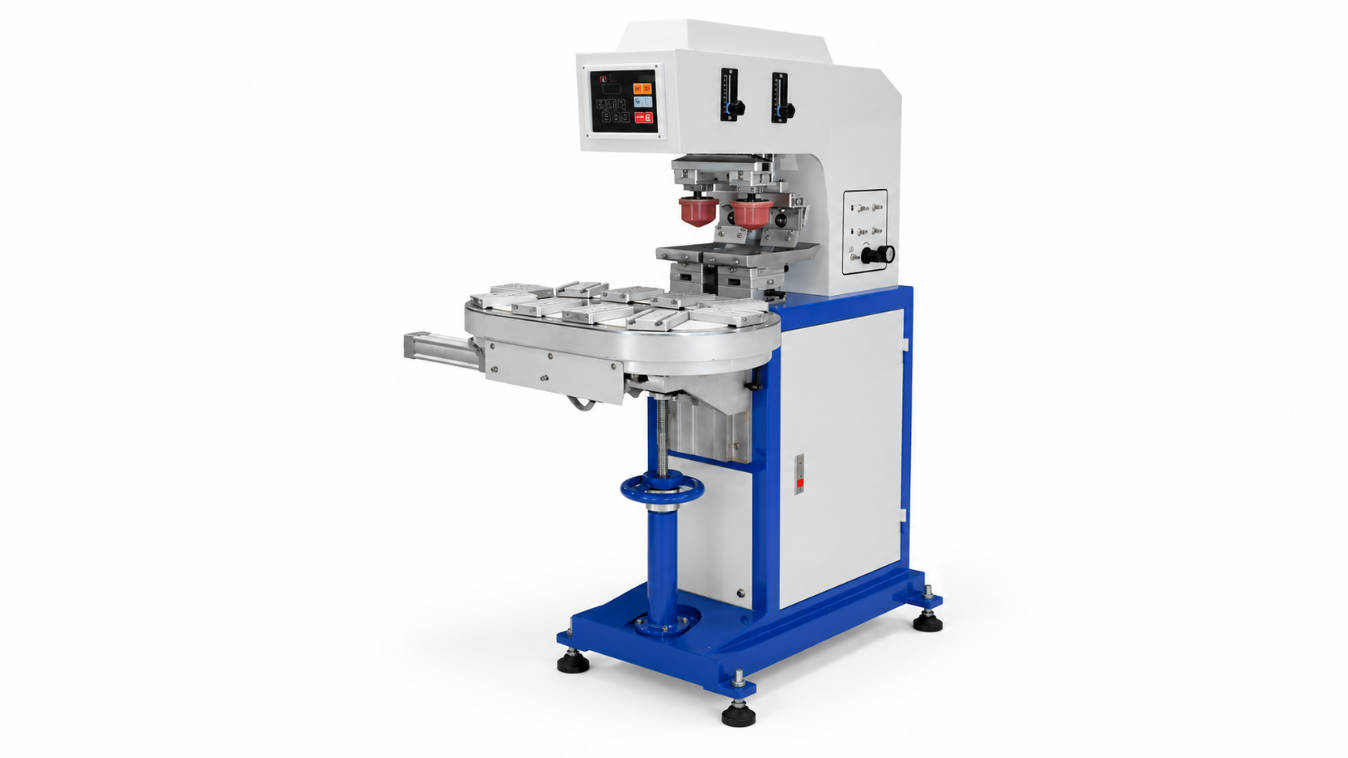
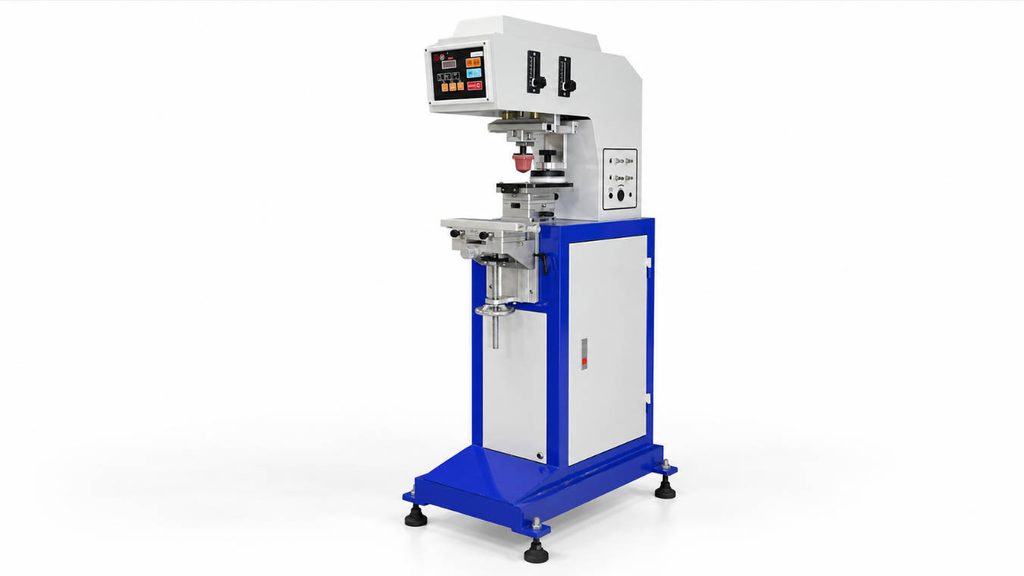
ENGY’s industrial pad printing machines include different configurations for standard, multi-color, conveyor, and automated applications.
When Should Pretreatment Be Integrated Into the Production Line?
Consider a factory producing thousands of PP components every shift.
The process may require:
- product loading;
- surface treatment;
- printing;
- multiple colors;
- drying;
- inspection;
- unloading.
Handling all of these operations separately can introduce variation.
In such cases, integrating pretreatment and printing into a controlled production system may make more sense than treating every step as an independent manual operation.
A customized pad printing machine may incorporate product feeding, special fixtures, multi-station printing, pretreatment, or other production functions according to the product.
This is where adhesion troubleshooting becomes an equipment-engineering question rather than just an ink question.
A Better Workflow for Solving Plastic Ink Adhesion Problems
When ink keeps rubbing off, troubleshoot in this order.
Step 1: Identify the Exact Plastic
Do not stop at “plastic.”
Determine whether the material is:
- ABS;
- PP;
- PE;
- PC;
- PVC;
- another polymer.
Step 2: Check Surface Condition
Look for:
- oil;
- mold release;
- dust;
- coating;
- fingerprints;
- additives.
Step 3: Verify Ink Compatibility
Confirm that the ink system is designed for that substrate.
Step 4: Determine Whether Pretreatment Is Needed
Test untreated and appropriately treated samples where necessary.
Step 5: Control Ink Preparation
Follow the required:
- mixing ratio;
- thinner level;
- hardener ratio;
- working time.
Step 6: Optimize Printing Transfer
Then adjust:
- pad;
- cliché;
- pressure;
- speed;
- machine settings.
Step 7: Allow Proper Curing
Do not judge final durability too early.
Step 8: Test the Finished Part
Use an adhesion, abrasion, chemical, or environmental test relevant to the actual application.
This order prevents factories from spending hours adjusting machine parameters when the real problem is the material or surface.
What Should You Send to a Pad Printing Machine Supplier?
If you are developing a new plastic printing project, provide more information than simply:
“I need to print this logo.”
A useful project brief includes:
| Information | Why It Matters |
| Exact plastic material | Determines adhesion strategy |
| Product dimensions | Determines fixture and machine size |
| Product photo | Shows shape and accessibility |
| Printing location | Determines pad movement |
| Logo dimensions | Determines pad, plate and ink cup |
| Number of colors | Determines machine configuration |
| Required output | Determines automation level |
| Durability requirement | Defines ink/process testing |
| Chemical exposure | Influences ink selection |
| Existing adhesion problem | Helps troubleshooting |
| Physical samples | Allows practical print testing |
For difficult substrates or special production requirements, ENGY’s custom pad printer service allows product requirements and physical samples to be evaluated before the final machine configuration is confirmed.
FAQ
Why is ink not sticking to plastic?
Ink may fail to stick because the ink is incompatible with the plastic, the surface has low surface energy, contamination is present, pretreatment is insufficient, or the ink has not cured correctly.
How do you make ink stick to plastic?
First identify the plastic and select a compatible ink. Clean the surface, determine whether flame, plasma, corona, or another pretreatment is required, control the ink preparation, and allow the print to cure fully.
Why does ink rub off polypropylene?
Polypropylene is a relatively difficult material for many inks because of its low surface energy. Depending on the ink formulation, surface pretreatment may be required to achieve reliable adhesion.
Can you print directly on PP plastic?
Yes, but the correct process depends on the exact PP material and ink system. Some applications use specially formulated inks, while others use surface pretreatment before printing. Sample testing is recommended.
Why is polyethylene difficult to print?
Polyethylene has a low-energy, non-porous surface that can make reliable ink bonding difficult. Industrial printing applications frequently evaluate surface treatment and substrate-specific inks.
Does flame treatment make ink stick better to plastic?
Flame treatment can improve printability on appropriate plastic surfaces by modifying the surface so that ink wets and bonds more effectively. Treatment conditions should be validated for the actual product.
Does plasma treatment improve ink adhesion?
Plasma treatment can improve the surface condition of many plastics and is commonly considered when stronger ink, coating, or adhesive bonding is required.
Why does my printed logo pass at first but peel later?
The ink may not have been fully cured, contamination may be present, the ink may not resist the product’s actual environment, or the substrate/ink combination may be incompatible.
Will more hardener make pad printing ink more durable?
Not automatically. Two-component inks should be mixed according to the specified formulation. Excessive or incorrect hardener can create processing and curing problems rather than improving performance.
Is pad printing good for plastic products?
Yes. Pad printing is widely used for small logos and graphics on flat, curved, recessed, and irregular plastic components. Ink and pretreatment still need to match the particular plastic.
Conclusion
When ink rubs off plastic, the printer is not automatically the problem.
The real cause is usually found somewhere in the relationship between:
- plastic material;
- surface energy;
- contamination;
- pretreatment;
- ink chemistry;
- mixing;
- printing conditions;
- curing;
- real-world durability requirements.
For easy-to-print plastics, a compatible ink and controlled process may be enough.
For difficult plastics such as PP and PE, surface preparation may become one of the most important parts of the printing process.
And for high-volume production, the solution may eventually involve integrating pretreatment, product handling, printing, drying, and inspection into one controlled workflow.
If a printed logo can be rubbed off plastic, do not start by applying more ink or more pressure. Start by identifying why the ink is failing to bond to the substrate.
That diagnosis is the foundation of a stable industrial plastic printing process.