When products require detailed logos, decorative patterns, or multi-color graphics, achieving accurate color registration becomes one of the biggest challenges in pad printing.
A multi color pad printing machine is designed to print multiple colors on the same product through multiple printing stations or coordinated printing processes. However, adding more colors also increases the difficulty of maintaining alignment between each printing layer.
Accurate color registration in pad printing depends on the combination of machine precision, fixture stability, printing plate quality, ink control, and correct production adjustment. A multi-color pad printer must control every printing step consistently to ensure that each color is positioned correctly.
For manufacturers producing products with complex graphics, choosing the correct multi-color pad printing system is not only about the number of colors. It is also about production stability, repeatability, and matching the machine configuration with the product requirements.
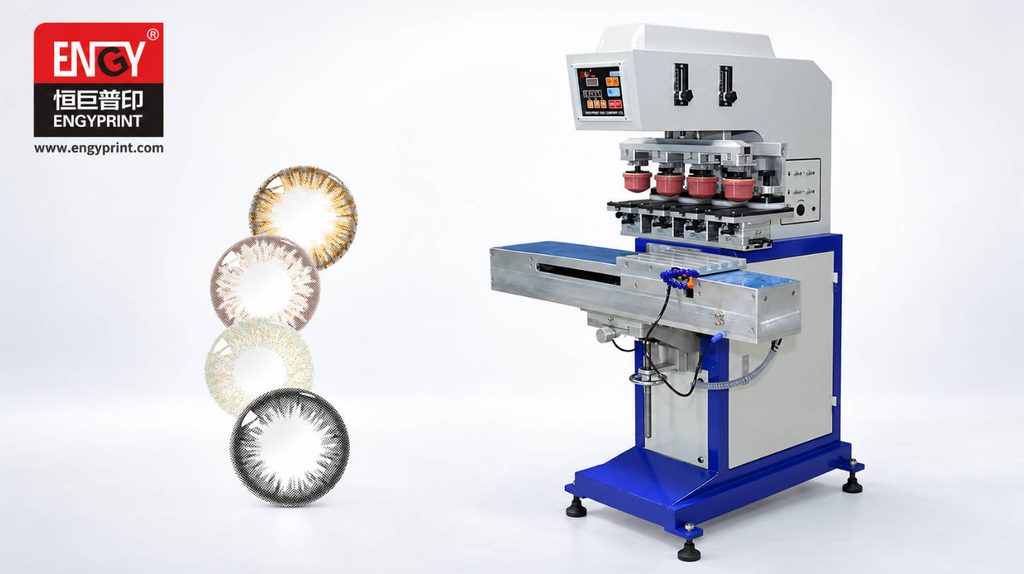
Why Multi Color Pad Printing Requires Higher Precision
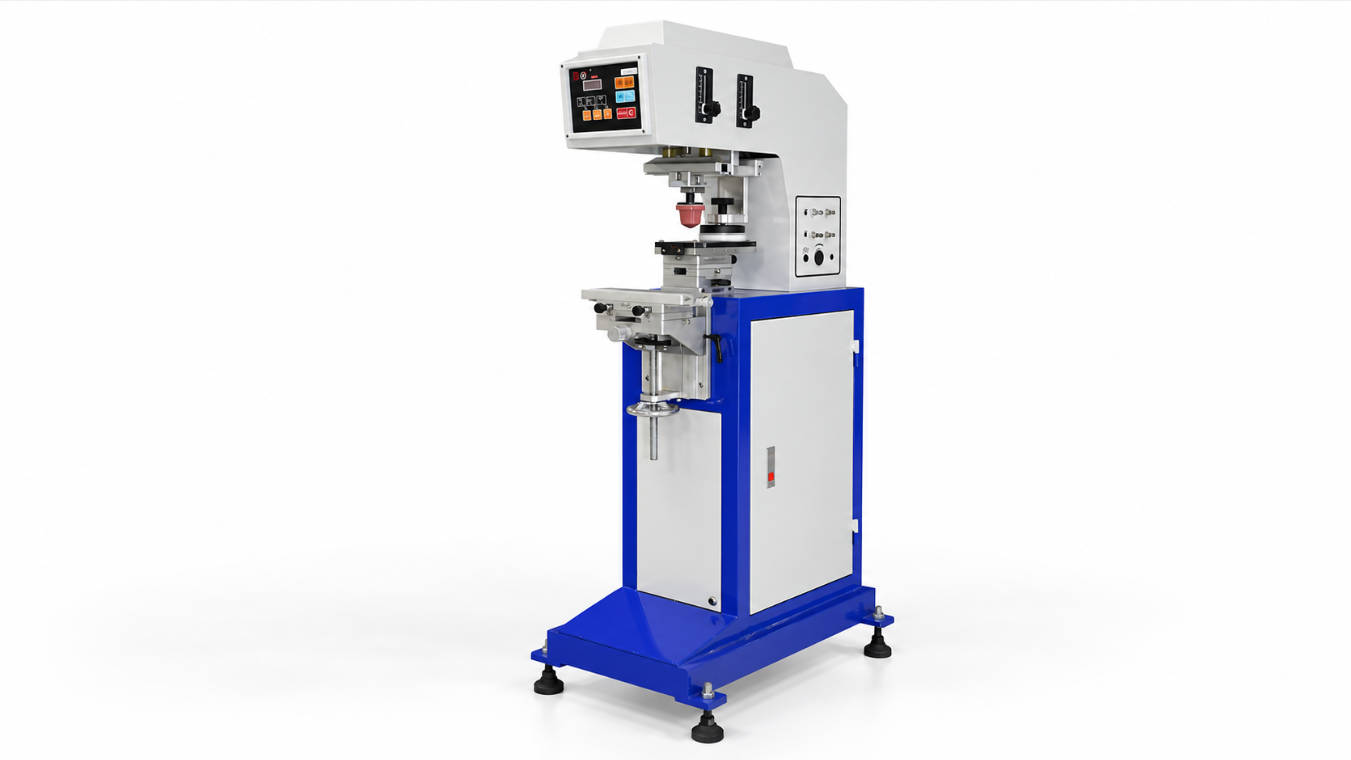
Single-color pad printing is relatively straightforward because only one image transfer process is involved.
However, multi-color printing requires several separate printing operations to create one complete image.
For example:
- The first station prints the base color.
- The second station prints another graphic layer.
- Additional stations continue adding colors until the final image is completed.
Each printing cycle must maintain the same:
- Product position
- Printing pressure
- Pad movement
- Ink transfer condition
- Image alignment
Even a small deviation during one stage may create visible registration problems.
Common multi-color printing defects include:
- Color overlap
- Image misalignment
- Uneven spacing between colors
- Blurry graphic edges
- Inconsistent printing position
Therefore, multi-color pad printing requires more precise machine control compared with standard single-color printing.
How Does a Multi Color Pad Printing Machine Work?
A multi color pad printing machine uses multiple printing units to transfer different ink colors onto the same product.
The basic process includes:
- Ink preparation
- Image pickup from the cliché plate
- Silicone pad transfer
- Color placement on the product
- Repeat printing for additional colors
The key challenge is ensuring that every color is transferred to the exact designed position.
A multi-color system usually requires:
- Accurate product fixtures
- Stable mechanical movement
- Precise printing stroke control
- Proper color sequence planning
For industrial production, the machine structure must support repeatable movement over thousands of printing cycles.
Main Factors Affecting Color Registration Accuracy
1. Machine Positioning Accuracy
The mechanical accuracy of the machine directly affects color registration.
During multi-color printing, each color needs to match the previous printing position.
Important machine factors include:
- Printing head movement accuracy
- Fixture positioning accuracy
- Mechanical rigidity
- Repeatability of each cycle
A machine with unstable movement may produce acceptable results during testing but show increasing errors during long production runs.
2. Product Fixture Design
The fixture is one of the most important components in multi-color pad printing.
Even with a precise machine, poor product positioning can cause registration problems.
A suitable fixture should:
- Hold the product securely
- Prevent movement during printing
- Maintain consistent positioning
- Allow easy loading and unloading
For irregular products, customized fixtures are often required to achieve stable printing results.
Examples include:
- Curved plastic parts
- Electronic housings
- Automotive components
- Cosmetic packaging parts
3. Printing Sequence Planning
The order of colors can influence final printing quality.
Different products may require different printing sequences depending on:
- Ink characteristics
- Graphic design
- Product surface
- Color contrast
For example, lighter colors and background layers are often considered differently from darker detail layers.
Proper process planning helps reduce color mixing and improves final appearance.
4. Pad Selection and Condition
The silicone pad transfers the image from the printing plate to the product surface.
For multi-color applications, pad selection affects:
- Image transfer quality
- Detail reproduction
- Printing consistency
Factors include:
- Pad hardness
- Pad shape
- Product surface condition
- Graphic size
A pad that works well for one color may not always be suitable for complex multi-color printing.
2 Color vs 4 Color vs 6 Color Pad Printer: How to Choose
The number of colors required is one of the first decisions when selecting a multi-color pad printing machine.
However, more colors do not always mean better results.
The correct configuration depends on:
- Product design
- Graphic complexity
- Production volume
- Future product requirements
| Machine Type | Suitable Applications | Advantages | Considerations |
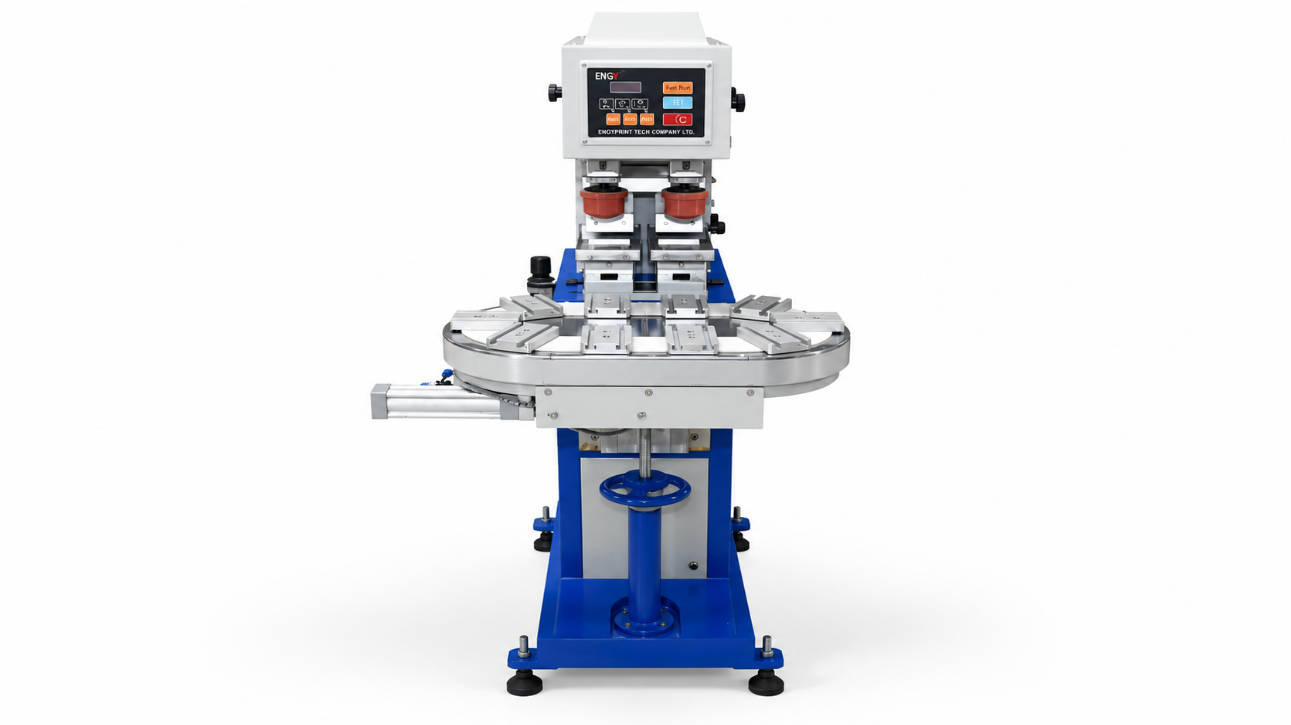
| 2 Color Pad Printer | Simple two-color logos and markings | Lower complexity, easier operation | Limited graphic complexity |
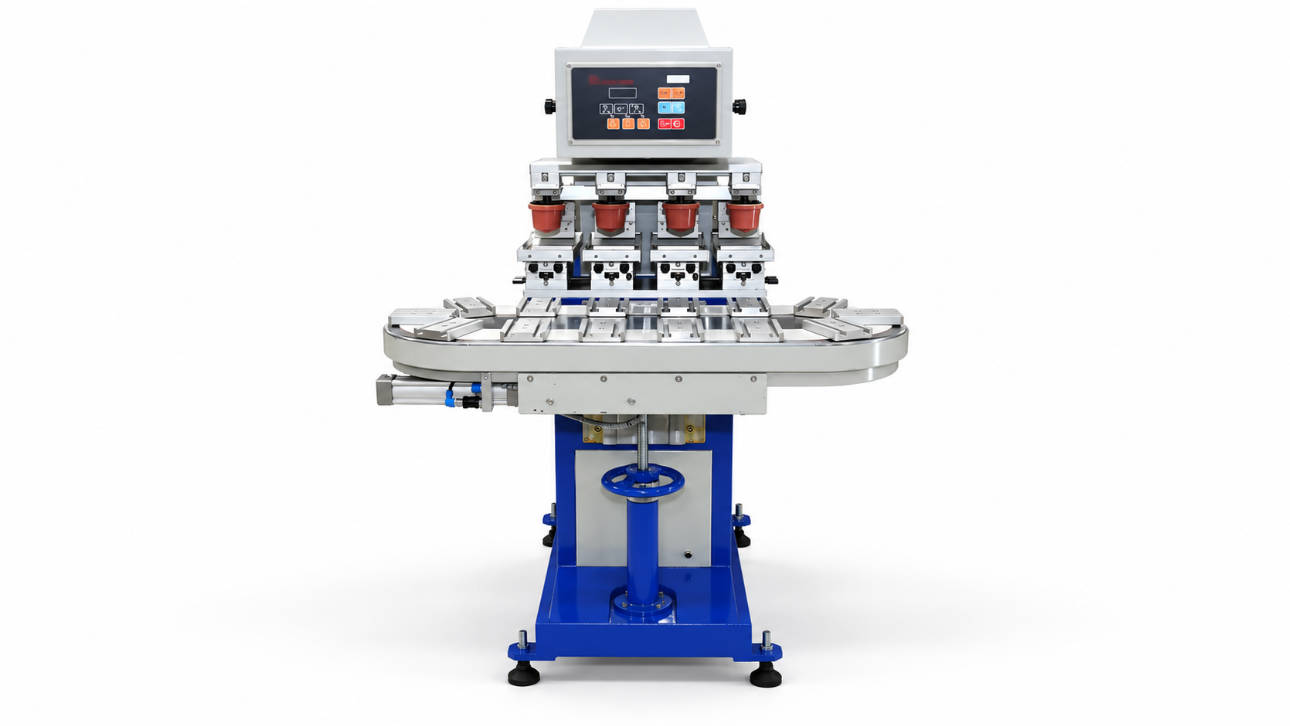
| 4 Color Pad Printer | Multi-color logos and decorative graphics | Balanced flexibility and efficiency | Requires better registration control |
| 6 Color Pad Printer | Complex graphics and detailed designs | More color combinations | Higher setup requirements |
2 Color Pad Printer Applications
A 2 color pad printer is suitable when products require:
- Brand logo plus secondary color
- Simple decorative marks
- Two-tone graphics
Typical applications include:
- Plastic components
- Consumer products
- Small electronic parts
For many industrial products, two colors provide sufficient visual impact without increasing process complexity.
4 Color Pad Printer Applications
A 4 color pad printer is commonly selected for products requiring more detailed branding.
Applications may include:
- Product logos
- Decorative patterns
- Multiple-color symbols
- Consumer packaging
Four-color systems provide a balance between flexibility and production efficiency.
For manufacturers producing different product models, a 4 color pad printing machine can be a practical choice.
6 Color Pad Printer Applications
A 6 color pad printer is typically considered when products require:
- Complex graphics
- Multiple decorative colors
- Detailed brand designs
However, increasing color stations also increases requirements for:
- Machine precision
- Production management
- Ink control
- Operator experience
Therefore, manufacturers should evaluate whether additional colors provide real product value.
How to Improve Color Registration Accuracy in Multi Color Pad Printing
Achieving stable color registration requires controlling every part of the printing process. A multi color pad printing machine is not only a machine selection decision; it is a complete process combination involving equipment, tooling, consumables, and production adjustment.
The following factors can help manufacturers improve multi-color printing consistency.
1. Use Stable Product Fixtures
A stable fixture prevents product movement during multiple printing cycles.
For multi-color printing, the product must return to exactly the same position for every color application.
A well-designed fixture should consider:
- Product shape
- Surface contact points
- Loading direction
- Operator handling
- Production speed
For high-volume production, automated positioning fixtures can further improve consistency.
2. Maintain Consistent Printing Parameters
Different colors require consistent printing conditions.
Important parameters include:
- Printing pressure
- Pad movement speed
- Ink quantity
- Drying time between colors
- Printing stroke position
Small changes in these parameters can affect the final appearance.
A standardized setup procedure helps operators maintain stable production quality.
3. Select Suitable Ink and Cliché Configuration
Ink performance also influences registration quality.
Important factors include:
- Ink drying characteristics
- Surface adhesion
- Color coverage
- Environmental conditions
The printing plate or cliché also affects image transfer accuracy.
Poor image depth or damaged plates may result in:
- Incomplete images
- Uneven ink transfer
- Reduced graphic clarity
Multi Color Pad Printing Machine Configuration Considerations
When purchasing a multi-color pad printer, buyers should evaluate more than the number of printing colors.
The machine configuration should match the actual production process.
Important considerations include:
Printing Area Requirements
Different products require different printing areas.
Large graphics may require:
- Larger printing plates
- Larger silicone pads
- Higher machine stroke capability
Product Shape and Surface
Pad printing is often selected because it can print on curved or irregular surfaces.
However, complex product shapes may require:
- Special pad designs
- Customized fixtures
- Different printing angles
Production Volume
A factory producing hundreds of products per day may require a different solution compared with a factory producing thousands of units.
Production volume affects:
- Number of printing stations
- Automation requirements
- Machine cycle design
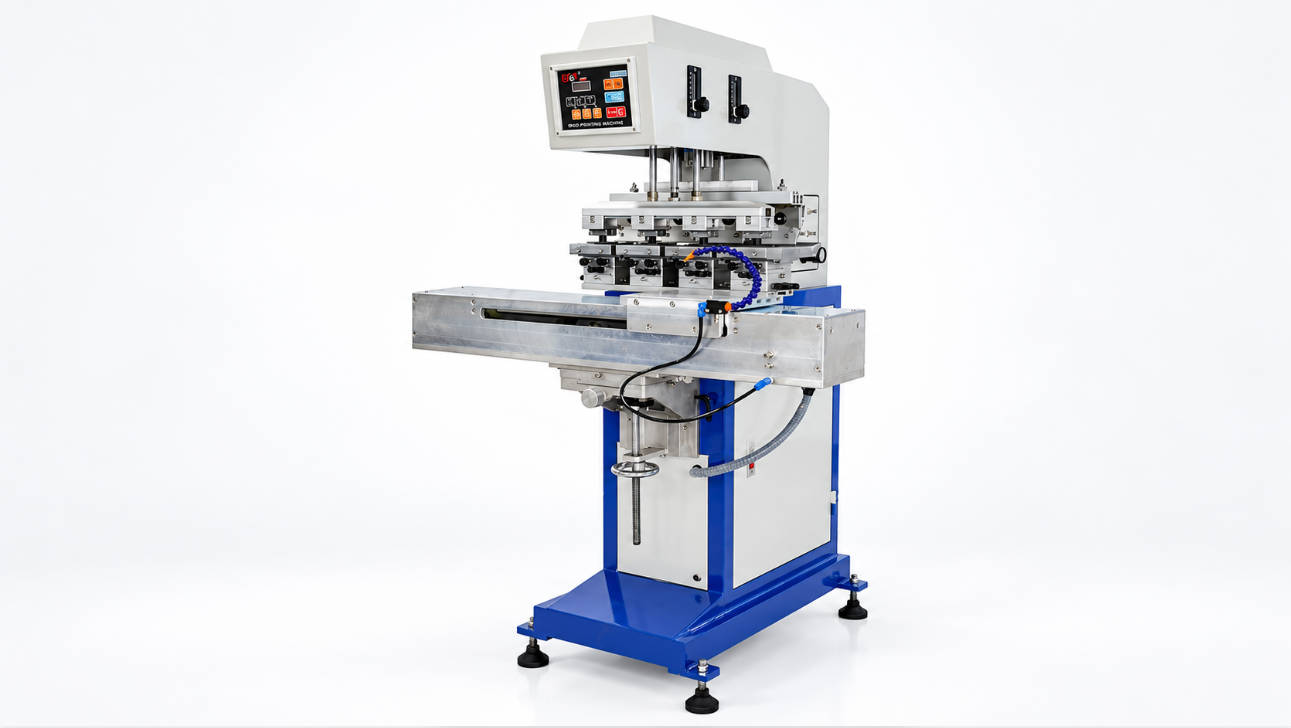
Automatic Multi Color Pad Printing Machine for Industrial Production
For manufacturers with continuous production requirements, an automatic multi-color pad printing machine can improve workflow efficiency.
Automation options may include:
- Automatic product feeding
- Automatic fixture positioning
- Multi-station printing
- Product inspection systems
The benefits of automation include:
- Reduced manual handling
- More consistent printing cycles
- Easier production monitoring
- Better repeatability
However, automation should be selected based on actual production requirements.
A fully automated system is not always necessary for every product.
Companies should evaluate:
- Current production volume
- Labor requirements
- Product stability
- Future expansion plans
Common Problems in Multi Color Pad Printing
Problem 1: Colors Are Not Aligned Correctly
Possible causes:
- Product movement during printing
- Incorrect fixture positioning
- Machine adjustment errors
- Unstable printing stroke
Solutions:
- Check fixture accuracy
- Recalibrate printing position
- Verify machine movement consistency
Problem 2: Different Colors Have Uneven Appearance
Possible causes:
- Different ink transfer conditions
- Incorrect ink viscosity
- Uneven plate condition
- Improper pad selection
Solutions:
- Adjust ink parameters
- Check cliché quality
- Select a suitable silicone pad
Problem 3: Fine Details Become Blurry
Possible causes:
- Excessive ink volume
- Incorrect pad hardness
- Poor image transfer conditions
Solutions:
- Optimize pad selection
- Adjust ink quantity
- Review printing parameters
How to Choose the Right Multi Color Pad Printing Machine Supplier
Selecting the correct supplier is an important part of achieving successful multi-color printing.
A professional pad printing machine manufacturer should provide support beyond equipment supply.
Technical Evaluation Capability
A capable supplier should understand:
- Product structure
- Printing requirements
- Color sequence
- Fixture design
- Production workflow
Customization Experience
Different products require different printing solutions.
Customization may involve:
- Printing station configuration
- Product fixtures
- Automation integration
- Machine layout
ENGY provides industrial pad printing equipment solutions for different product decoration requirements, including multi-color printing applications.
You can learn more about ENGY pad printing equipment here:
industrial pad printing machine solutions
Production Support
Before purchasing equipment, buyers should confirm whether the supplier can support:
- Machine setup
- Printing adjustment
- Operator training
- Long-term technical communication
A reliable supplier should focus on matching the machine with the customer’s actual production process.
FAQ
What is a multi color pad printing machine?
A multi color pad printing machine is equipment designed to print multiple ink colors on the same product through multiple printing operations or stations. It is commonly used for complex logos, decorative graphics, and industrial product marking.
How can a pad printing machine achieve accurate color registration?
Accurate color registration depends on machine positioning accuracy, stable fixtures, correct printing parameters, suitable pads, and proper production adjustment.
What is the difference between a 2 color pad printer and a 4 color pad printer?
A 2 color pad printer is suitable for simpler two-color graphics, while a 4 color pad printer provides more flexibility for detailed logos and multi-color designs.
Is a 6 color pad printer better than a 4 color pad printer?
Not necessarily. A 6 color pad printer is suitable for complex graphics requiring more colors, but the correct choice depends on product requirements and production needs.
Can a multi color pad printing machine print curved surfaces?
Yes. Pad printing technology is suitable for many curved and irregular surfaces because the silicone pad can adapt to different product shapes.
What affects multi-color pad printing accuracy?
Factors include fixture stability, machine precision, ink condition, cliché quality, silicone pad selection, and production parameter control.
Conclusion
A multi color pad printing machine provides manufacturers with the ability to create detailed and attractive product graphics, but successful multi-color printing depends on more than adding additional printing stations.
Accurate color registration requires a combination of:
- Precise machine movement
- Reliable product fixtures
- Correct printing parameters
- Suitable consumables
- Proper production planning
For manufacturers choosing between a 2 color pad printer, 4 color pad printer, or 6 color pad printer, the best solution should match the product design, production volume, and future manufacturing requirements.
Selecting the right equipment configuration and supplier support can help improve printing consistency and production efficiency.