If you look closely at the face of a minifigure, a printed tile, or a small decorated plastic toy component, you may wonder: is LEGO pad printed or UV printed?
For standard mass-produced decorated toy parts, pad printing is the industrial printing process most closely associated with this type of small, precise, multi-color plastic-part decoration. Pad printing is particularly suitable for tiny components, curved surfaces, recessed areas, and parts that require accurate spot-color registration.
UV digital printing can also print detailed graphics on plastic and is widely used in customization and short-run decoration. However, the two technologies solve different production problems.
For high-volume production of small molded plastic parts requiring repeatable spot colors and printing on irregular surfaces, pad printing often has important advantages over UV printing.
The question is therefore more useful when reframed as:
Why is pad printing so suitable for LEGO-style toy parts, and when would a manufacturer choose pad printing instead of UV digital printing?
That distinction matters not only to toy collectors, but also to manufacturers choosing a printing process for building blocks, figures, toy accessories, buttons, plastic housings, and other small molded parts.
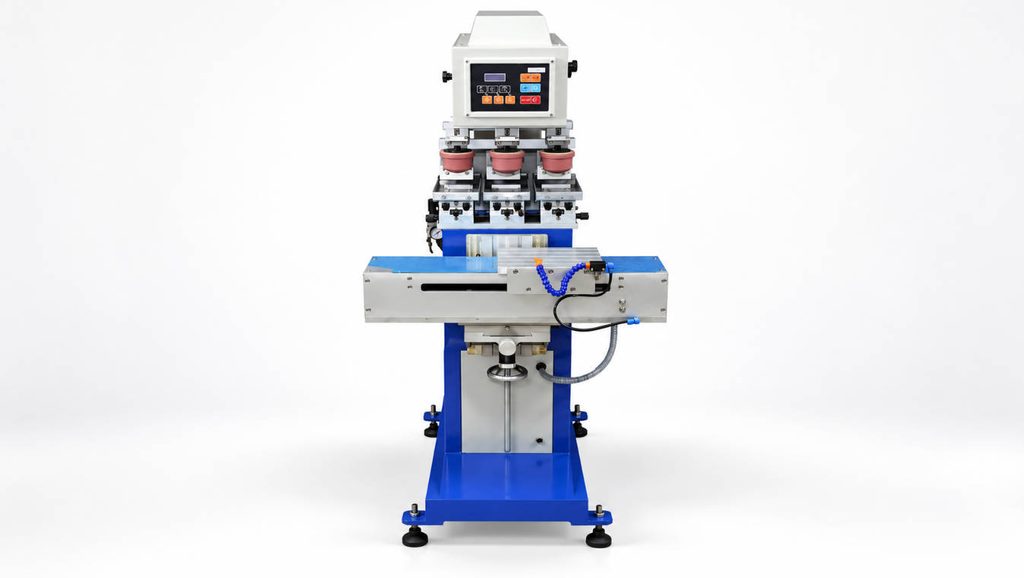
Why Pad Printing Fits Small Toy Parts So Well
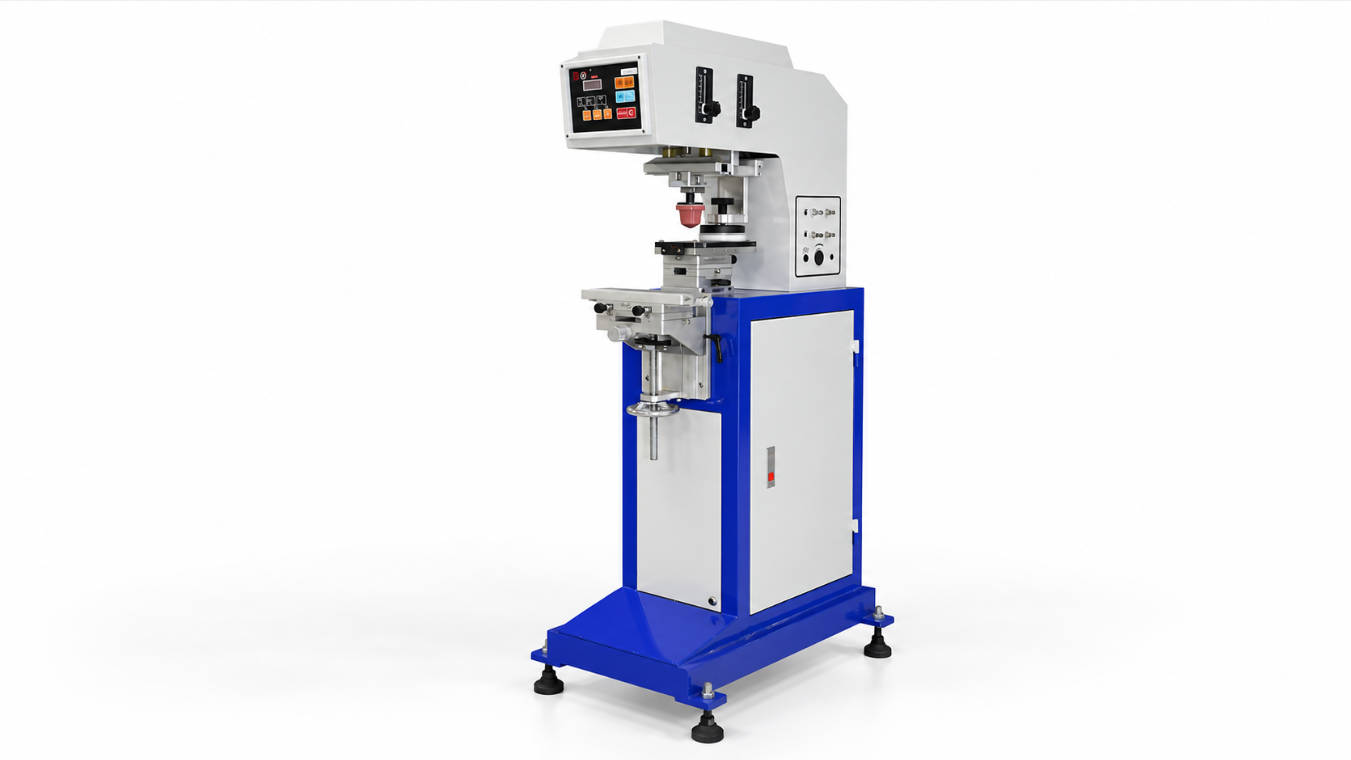
Pad printing uses a soft silicone pad to transfer an image from an engraved printing plate, or cliché, onto the product.
The basic cycle is simple:
- Ink fills the engraved image on the printing plate.
- Excess ink is removed.
- A silicone pad presses onto the plate and picks up the image.
- The pad moves toward the product.
- The flexible pad compresses against the product surface.
- The ink transfers to the part.
The important feature is the silicone pad.
Unlike a rigid printing head, the pad can deform around the product surface. This allows the process to reach shapes that would be difficult for many flat printing technologies.
That is particularly useful for toy components such as:
- figure heads;
- torsos;
- arms and legs;
- small building elements;
- buttons;
- curved accessories;
- recessed plastic parts;
- irregular decorative components.
Pad printing is valuable in toy manufacturing because the silicone pad can transfer fine graphics from a flat cliché onto curved, convex, concave, and irregular surfaces.
ENGY’s own toy pad printing applications include multi-color printing systems designed for toy products, including configurations using customized pads, rotating fixtures, PLC control, and multiple printing colors.
Is Every LEGO Part Pad Printed?
No. This is where the question needs some nuance.
Not every plastic element carries a printed image at all. Many visual features may come from:
- the color of the molded plastic;
- the geometry of the part;
- stickers supplied with a product;
- separately molded components;
- printed decoration.
When a small mass-produced plastic element requires direct decoration, pad printing is highly suitable for this category of work.
However, it would be inaccurate to assume that every decorated product, every personalized product, and every custom application must use exactly the same printing technology.
Digital printing technologies, including UV printing, are also used in the broader custom toy and plastic-decoration market.
This becomes particularly relevant when comparing mass production with personalized production.
Pad Printing vs UV Printing: The Fundamental Difference
Pad printing and UV digital printing both place graphics onto products, but the way they create the image is completely different.
Pad printing is an indirect ink-transfer process.
UV printing is a digital direct-printing process in which ink is deposited according to digital artwork and cured using ultraviolet light.
That difference affects:
- setup;
- color handling;
- surface compatibility;
- production volume;
- image texture;
- automation;
- artwork flexibility.
| Factor | Pad Printing | UV Digital Printing |
| Image source | Engraved cliché/plate | Digital artwork |
| Transfer method | Silicone pad transfers ink | Printhead deposits ink directly |
| Curved/irregular surfaces | Strong capability | Depends heavily on printer geometry |
| Spot-color production | Well suited | Possible, but process differs |
| Multi-color setup | Separate colors/stations typically required | Multiple colors can be generated digitally |
| Short-run customization | More setup required | Often convenient |
| High-volume repeat production | Strong industrial application | Depends on equipment and application |
| Artwork changes | Requires plate/setup changes | Digital file can be changed quickly |
| Fixtures | Often important | Also required for precise product positioning |
| Small complex components | Well suited | Equipment-dependent |
Neither process is universally superior.
They are optimized for different manufacturing conditions.
Why Not Simply UV Print Every Toy Part?
From a digital-workflow perspective, UV printing appears attractive.
There is no need to prepare a separate etched cliché for every graphic, and designs can often be changed directly from the artwork file.
That flexibility is valuable for:
- personalization;
- prototypes;
- limited runs;
- frequently changing designs;
- highly variable graphics.
But industrial production introduces other considerations.
A toy factory may need to produce the same facial expression, logo, symbol, or graphic repeatedly across a very large number of molded components.
The factory may care more about:
- consistent positioning;
- repeatable spot colors;
- cycle time;
- multi-side printing;
- fixture automation;
- ink adhesion;
- integration into production equipment.
In that situation, the advantages of pad printing become clearer.
The right printing process should be selected according to production volume, geometry, artwork, material, required colors, and automation—not simply according to which technology is newer.
Why Pad Printing Is Effective on Minifigure-Style Parts
A minifigure-style plastic component presents several printing challenges at once.
It is small.
The artwork contains fine lines.
Different components may have different geometry.
Several colors may need to align closely.
The print area may not be completely flat.
That combination is exactly where pad printing becomes useful.
Small Image Areas
Pad printing is commonly used for small graphics, logos, symbols, scales, lettering, and decorative details.
A precisely prepared plate can carry very fine image information.
Curved Heads
A rounded toy head is very different from a sheet of plastic.
The silicone pad can deform during transfer and adapt to a curved surface.
The pad shape itself can be selected or customized according to the component.
Torso Geometry
A torso may appear relatively flat from the front, but its edges and geometry still make accurate positioning important.
Fixtures keep each component in the same position during repeated production.
Arms, Legs, and Side Surfaces
These areas can be even more difficult because the print location may face different directions.
In this situation, manufacturers may use:
- rotating fixtures;
- multi-position jigs;
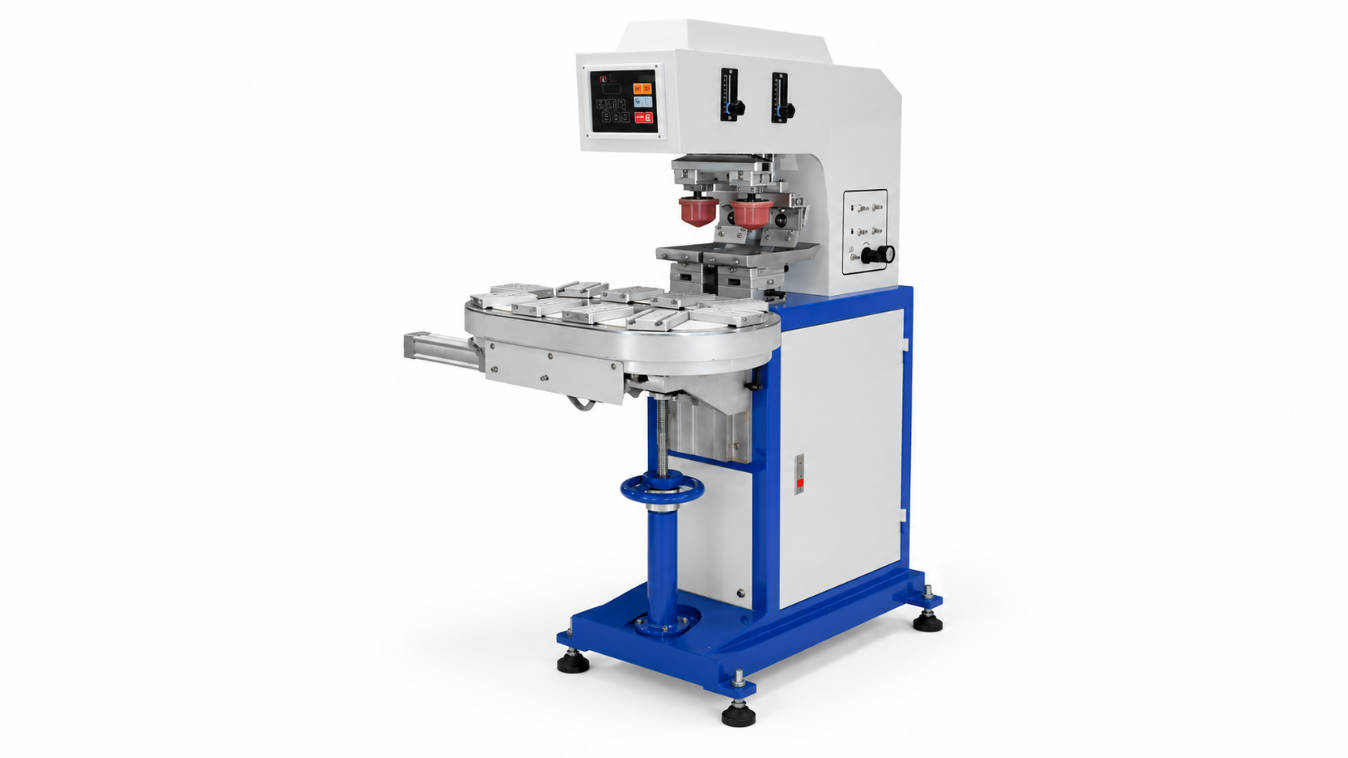
- shuttle mechanisms;
- multi-station machines;
- customized automation.
ENGY’s customized pad printing machine solutions are designed around applications where standard machines cannot easily satisfy special printing locations, multiple colors, unusual part geometry, or higher production-capacity requirements.
Multi-Color Printing Is the Real Engineering Challenge
Printing one black symbol on one flat toy block is relatively straightforward.
Printing a detailed multi-color character is different.
Suppose a graphic requires:
- black outlines;
- white details;
- red decoration;
- blue decoration;
- another small accent color.
Each color must be printed in the correct location relative to the previous one.
This is called color registration.
If the product shifts slightly between print cycles, the finished graphic may show:
- overlapping colors;
- gaps between colors;
- double edges;
- misaligned eyes;
- uneven outlines.
That is why multi-color toy printing depends heavily on machine repeatability and fixture design.
How Multi-Color Pad Printing Works on Toy Parts
In industrial pad printing, different colors are generally handled separately.
Depending on the machine design, the product may:
- move between different printing stations;
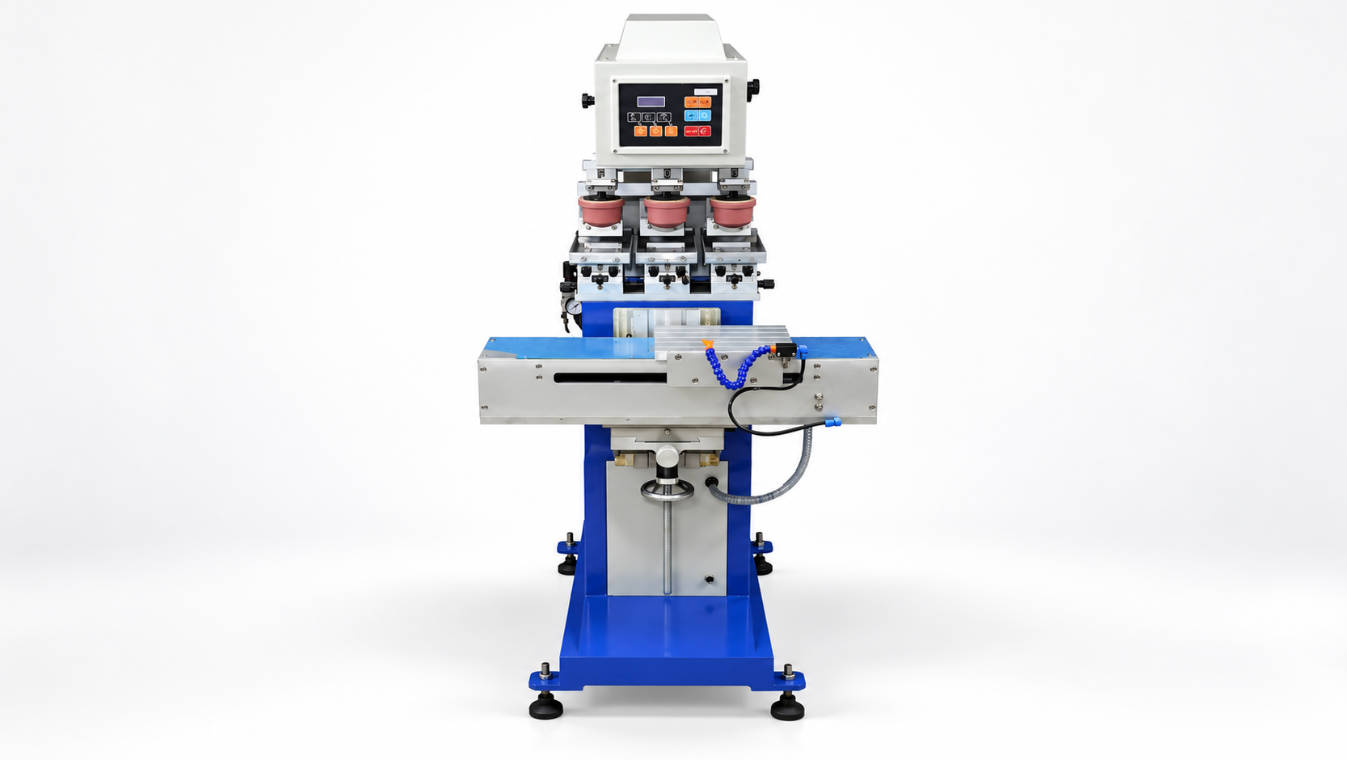
- travel on a conveyor;
- move on a shuttle;
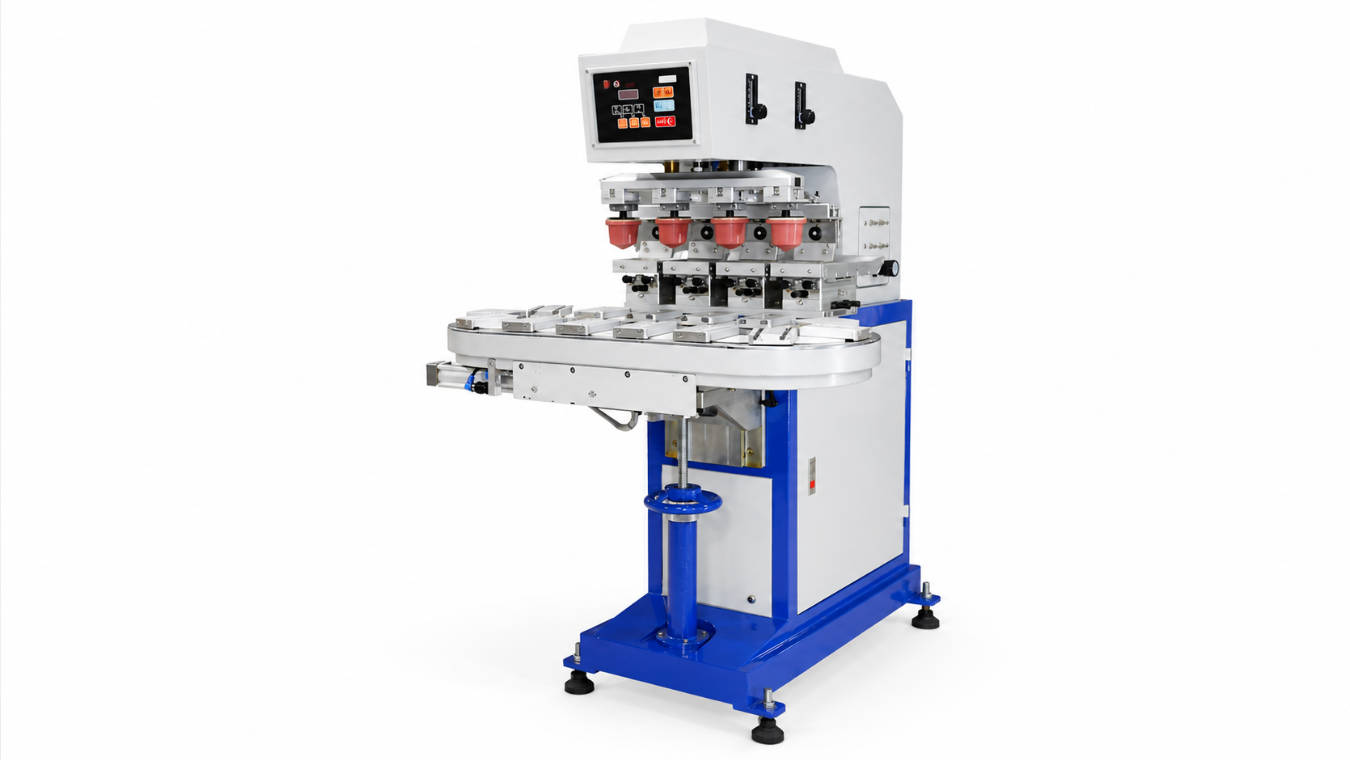
- rotate between different positions;
- remain in a fixture while different pads transfer separate colors.
ENGY’s pad printing machine range includes equipment using conveyors, servo control, PLC systems, rotary fixtures, multi-color configurations, and customized pad arrangements for different production requirements.
A toy manufacturer therefore should not select equipment based only on the statement:
“We need six colors.”
The engineering team also needs to know:
- Where are those six colors located?
- Are all colors on the same side?
- Are graphics printed on the head and body?
- Does the component need to rotate?
- How many pieces must be produced per hour?
- Can several parts be printed during one cycle?
Pad Printing Machine Requirements for Toy Production
A machine designed for industrial toy printing may need a very different configuration from a basic desktop pad printer.
Here are the major selection factors.
1. Number of Colors
A one-color toy logo can use a much simpler machine than a six-, eight-, or twelve-color character design.
More colors increase the importance of:
- registration accuracy;
- station coordination;
- drying conditions;
- fixture repeatability.
2. Product Geometry
The machine needs to accommodate the actual component.
A flat brick, cylindrical head, torso, and irregular accessory may require different:
- silicone pads;
- fixtures;
- printing positions.
3. Print Position
A graphic on the front surface is different from printing on:
- two opposite sides;
- a curved head;
- a recessed area;
- several surfaces on the same component.
A rotating fixture may be required for multiple orientations.
4. Output Requirement
A manufacturer producing occasional custom figures has very different requirements from a factory producing the same components continuously.
Production capacity can determine whether the appropriate solution is:
- manual;
- semi-automatic;
- conveyor-based;
- rotary-table based;
- fully automatic.
5. Product Loading
Manual loading may be acceptable for lower volume.
For larger production runs, manufacturers may consider:
- automatic feeding;
- multiple fixtures;
- conveyors;
- automatic unloading;
- robot integration.
6. Material and Ink Adhesion
Toy components are usually molded from plastic, but not all plastics behave identically.
Before purchasing a machine, the product material should be confirmed so that the printing process and ink system can be evaluated.
Pad Printing vs UV Printing for Toy Manufacturers
For an equipment buyer, the decision becomes clearer when the production scenario is considered.
Scenario A: Thousands of Identical Toy Heads
The artwork is fixed.
The product geometry is stable.
Several spot colors must align repeatedly.
A dedicated pad printing system is a strong candidate.
Scenario B: Customized Figures With Different Artwork on Every Order
The design changes frequently.
Production quantities are low.
Artwork flexibility is more important than long repetitive runs.
Digital printing may have advantages.
Scenario C: A High-Volume Toy Requires Printing on Several Sides
The important question is no longer simply pad printing versus UV printing.
The manufacturer needs to evaluate an automated printing system involving:
- fixtures;
- rotation;
- product feeding;
- several printing positions;
- multiple colors.
This is where a custom pad printing machine may become more relevant than a standard printer.
Why the Fixture Matters Almost as Much as the Printer
Small plastic parts are unforgiving when it comes to registration.
If a product moves even slightly inside the fixture, the second color may no longer align with the first.
A proper toy fixture should:
- locate the part consistently;
- prevent rotation or lateral movement;
- avoid damaging the molded surface;
- make loading practical;
- support repeated production.
For parts printed on several sides, the fixture may also need to rotate to controlled positions.
In precision toy pad printing, machine accuracy alone cannot compensate for an unstable product fixture.
That is one reason sample testing is important before finalizing the equipment configuration.
Silicone Pad Selection for Small Plastic Toy Parts
The pad is not simply a generic rubber block.
Its:
- shape;
- hardness;
- size;
- contact angle
can influence image transfer.
For small detailed products, the goal is normally to achieve sufficient contact with the printed area without excessive deformation of the image.
Curved components may require different pad geometry from flat parts.
For multi-position products, more than one pad design may be used within the same production project.
When Does a Standard Pad Printer Become Insufficient?
A standard pad printer may be sufficient when:
- only one or two colors are required;
- the component is easy to hold;
- loading is manual;
- production volume is moderate;
- the printing location is easily accessible.
A custom machine becomes more relevant when:
- many colors are required;
- several surfaces must be printed;
- production output is high;
- automatic loading is required;
- one cycle needs to print several pieces;
- the part must rotate;
- standard machine travel cannot reach the printing position.
ENGY offers a custom pad printer development process in which product requirements are evaluated first, followed by machine design, configuration confirmation, sample testing, adjustment, and operation guidance.
What Should a Toy Manufacturer Send to a Pad Printer Supplier?
Instead of asking only:
“Do you have a machine for toy figures?”
send enough information for the printing process to be evaluated.
| Information | Why It Matters |
| Product photos | Shows geometry and printing access |
| Product dimensions | Determines fixture and machine space |
| Plastic material | Helps evaluate the printing process |
| Artwork | Shows graphic complexity |
| Print dimensions | Helps select plate and pad |
| Number of colors | Determines machine configuration |
| Exact printing locations | Shows whether rotation is required |
| Required output | Determines automation level |
| Product samples | Allows realistic printing tests |
| Current production method | Helps identify improvement requirements |
The phrase “toy pad printing machine” describes an application category. It does not describe one universal machine.
So, Is LEGO Pad Printed or UV Printed?
For the type of small, mass-produced decorated plastic components associated with standard minifigure faces, torsos, symbols, and detailed toy graphics, pad printing is the relevant traditional industrial process and explains many of the characteristics buyers associate with this type of decoration.
UV digital printing belongs to a different production approach and can be useful for customized, short-run, or highly variable graphics.
So the practical answer is not that every printed plastic toy in every context must use one technology.
Instead:
Pad printing is particularly suited to repeat industrial production of small, irregular plastic parts, while UV digital printing is attractive when artwork flexibility and digital customization are the main priorities.
For toy manufacturers, that distinction is much more useful than selecting a process based only on the appearance of the finished graphic.
FAQ
Are LEGO minifigures pad printed?
Pad printing is widely associated with the type of mass-produced decoration used on small toy figures because it can reproduce fine graphics on curved and irregular plastic parts with repeatable registration.
Why is pad printing used for toy figures?
The silicone pad can conform to curved or irregular surfaces, making pad printing suitable for heads, torsos, accessories, buttons, and other small plastic components.
Is UV printing better than pad printing for toy parts?
Not universally. UV printing can be useful for short runs and frequently changing digital artwork. Pad printing is well suited to repeat production, spot colors, irregular surfaces, and dedicated industrial processes.
Can pad printing print several colors on one toy figure?
Yes. Multi-color pad printing systems can apply multiple colors separately. Accurate fixtures and repeatable machine positioning are important for keeping the colors aligned.
What type of pad printing machine is used for toy figures?
The machine depends on the number of colors, part geometry, print positions, production quantity, and automation requirements. Solutions can range from standard machines to multi-color conveyor, shuttle, rotary, or customized systems.
Can pad printing print on curved plastic toy heads?
Yes. This is one of the important advantages of pad printing. A silicone pad can deform around curved surfaces and transfer a graphic onto areas that are difficult to print with rigid flat processes.
Do I need a custom pad printing machine for toy production?
Not always. Standard machines can handle many straightforward applications. Customization becomes more relevant when you need multiple printing positions, high output, many colors, special fixtures, or automated product handling.
What information is needed to choose a toy pad printing machine?
Provide product dimensions, material, artwork size, number of colors, printing locations, required production capacity, and preferably physical product samples for testing.
Conclusion
The question “Is LEGO pad printed or UV printed?” reveals why pad printing remains important in industrial product decoration.
Small toy components combine several difficult printing conditions: limited surface area, fine graphics, curved geometry, multiple colors, and strict positioning requirements.
Pad printing addresses those challenges by using a flexible silicone pad, dedicated printing plates, controlled fixtures, and repeatable machine movement.
UV printing offers another valuable approach, particularly where short runs and frequently changing digital artwork are priorities.
For manufacturers, the correct technology should therefore be selected around the real production requirement.
If a toy product requires several colors, printing on multiple surfaces, special fixtures, or higher production capacity, the machine should be configured around the product rather than forcing the product into a standard printing setup.